
Project management
Kanban, Gantt, scheduler and tasks — inside Creatio, without a separate task tracker.
Typical pains
- Plans live in Excel while reality lives in the CRM
- No visual control over statuses and deadlines
- Team workload is impossible to assess quickly
What this is
Project management on Creatio means Gantt, Kanban, scheduler, tasks, resources and a project portfolio in the same system where customers and deals already live. Project Management Studio is a SYNTECH application built natively for Creatio. SYNTECH is a Creatio partner and a developer of Creatio Marketplace applications.
Use cases
- PMO: project portfolio, budgets and reporting
- Resource and capacity planning for the team
- Delivery projects that start right after the deal closes
Benefits
- Gantt and Kanban without a separate task tracker
- Deadlines and actuals in one place with CRM data
- Project analytics on built-in dashboards
Industries
- IT and professional services
- Construction and engineering
- Manufacturing and distribution
Solutions in this category
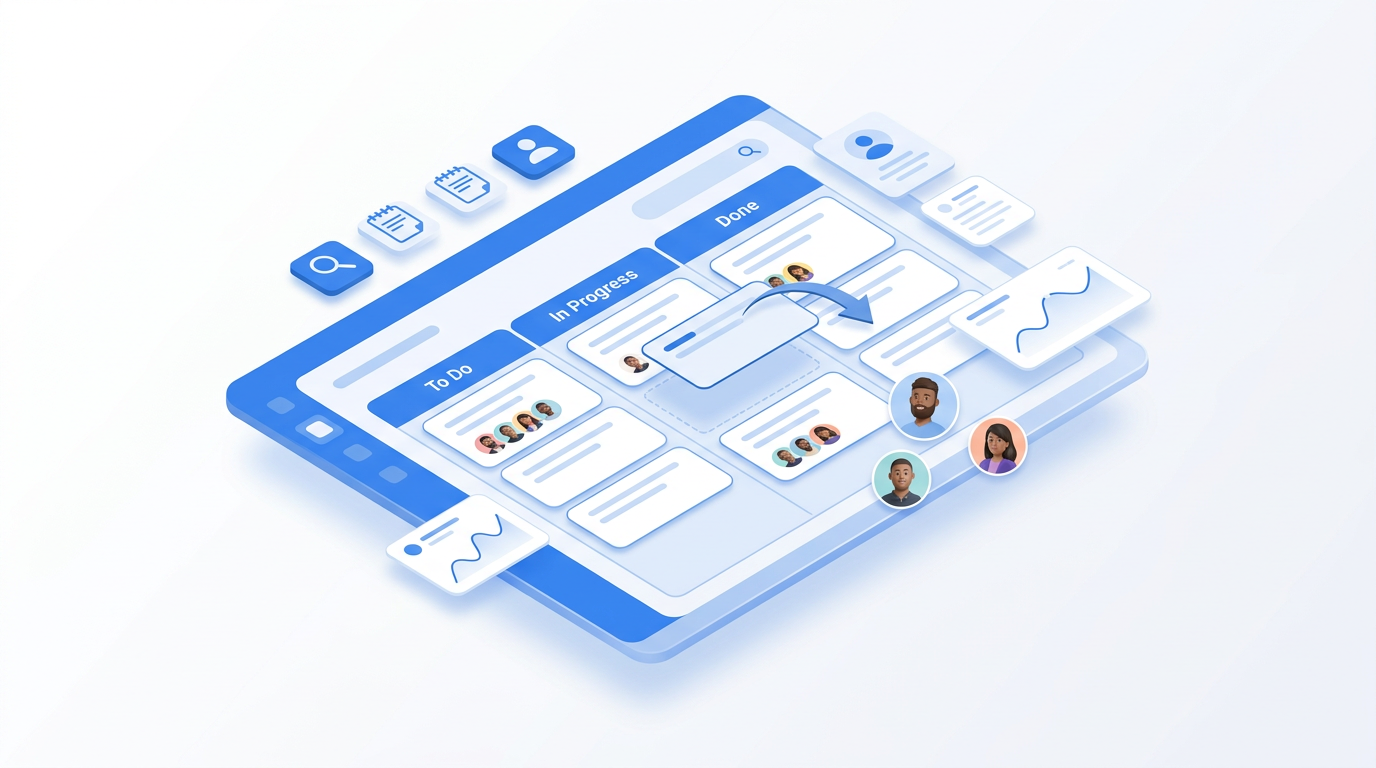
Syntech Kanban View for Creatio
Kanban board for any Creatio section: drag-and-drop stages, swimlanes, WIP limits, stage totals, DCM support and live updates. Freedom UI, cloud & on-site.
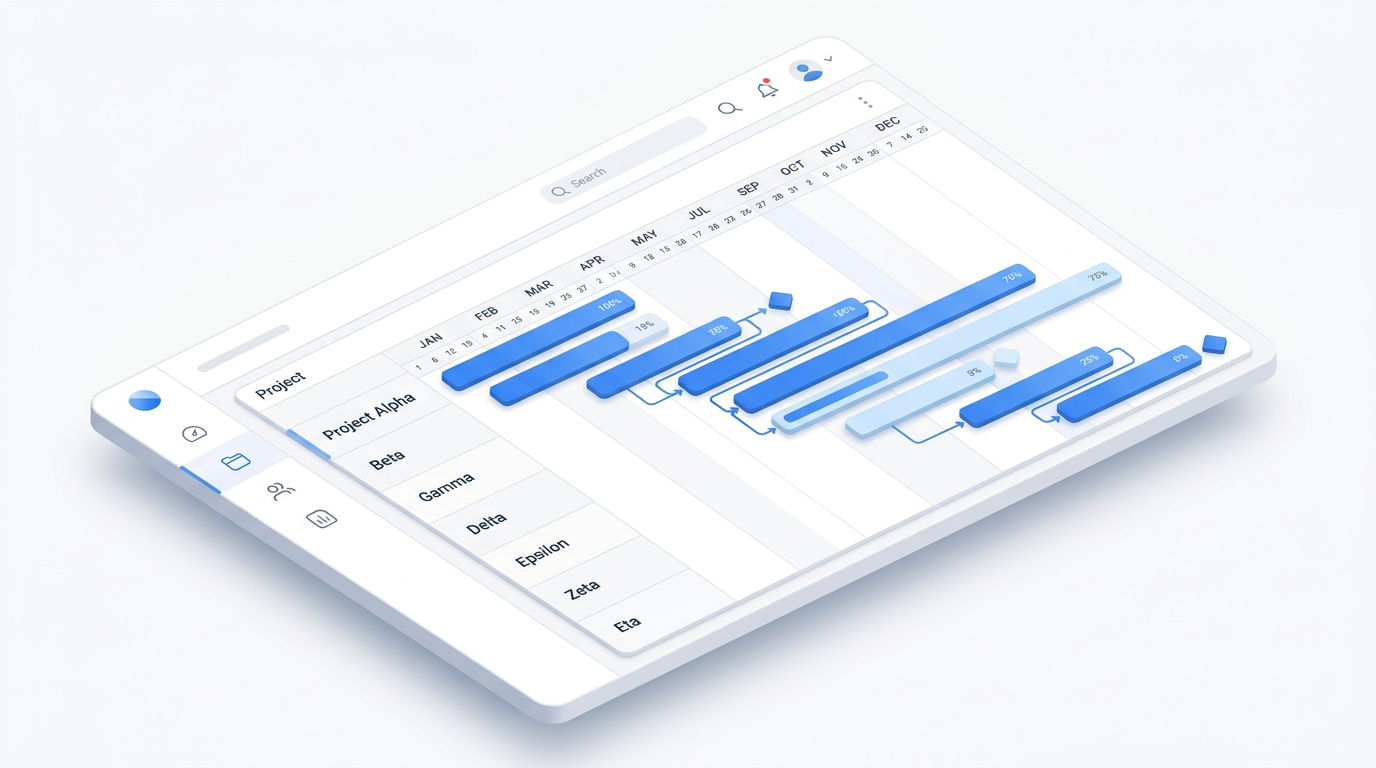
Syntech Gantt View for Creatio
Interactive Gantt chart for Creatio Freedom UI: drag-and-drop scheduling, dependencies, milestones, resource workload, inline editing and Hour-to-Year scales.
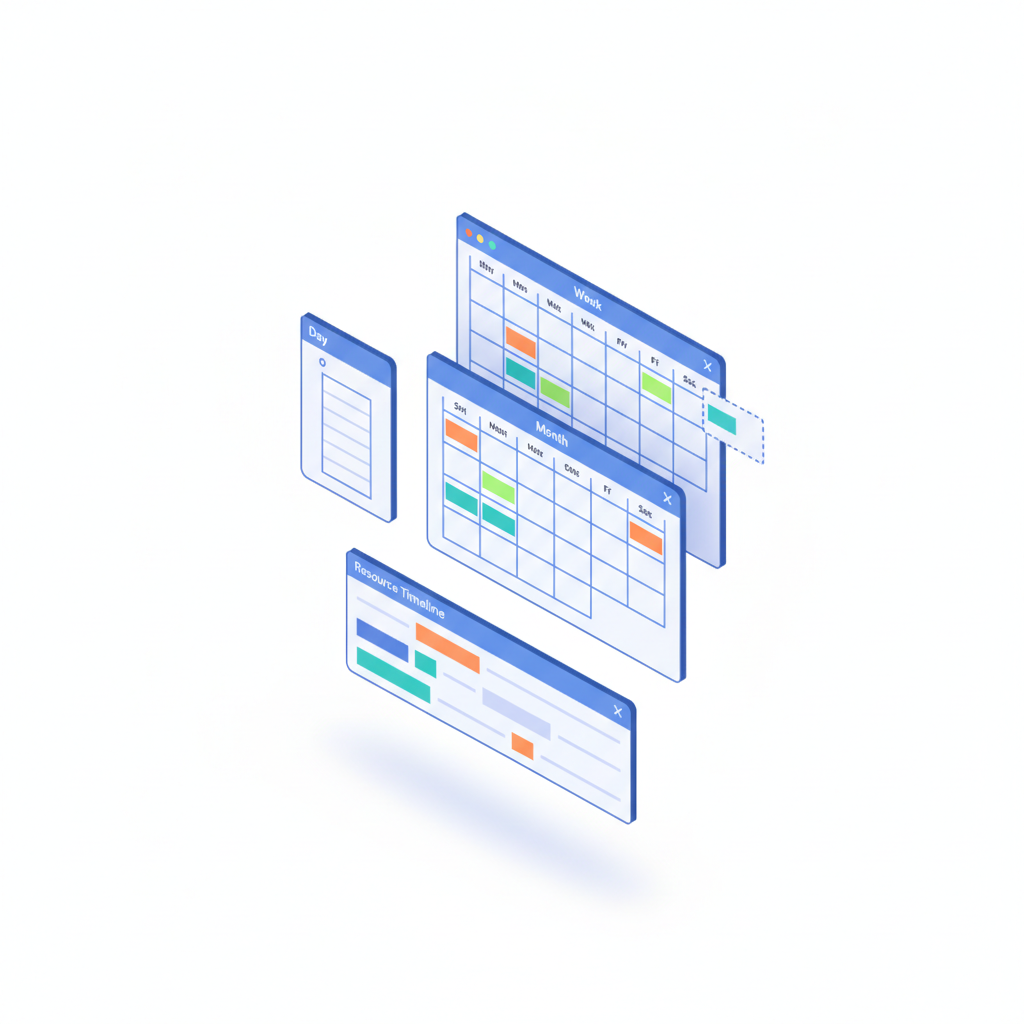
Syntech Scheduler for Creatio
Calendar and scheduling for Creatio Freedom UI: Day, Week, Month, Year, Agenda and Resource Timeline views, drag-and-drop rescheduling and team workload.
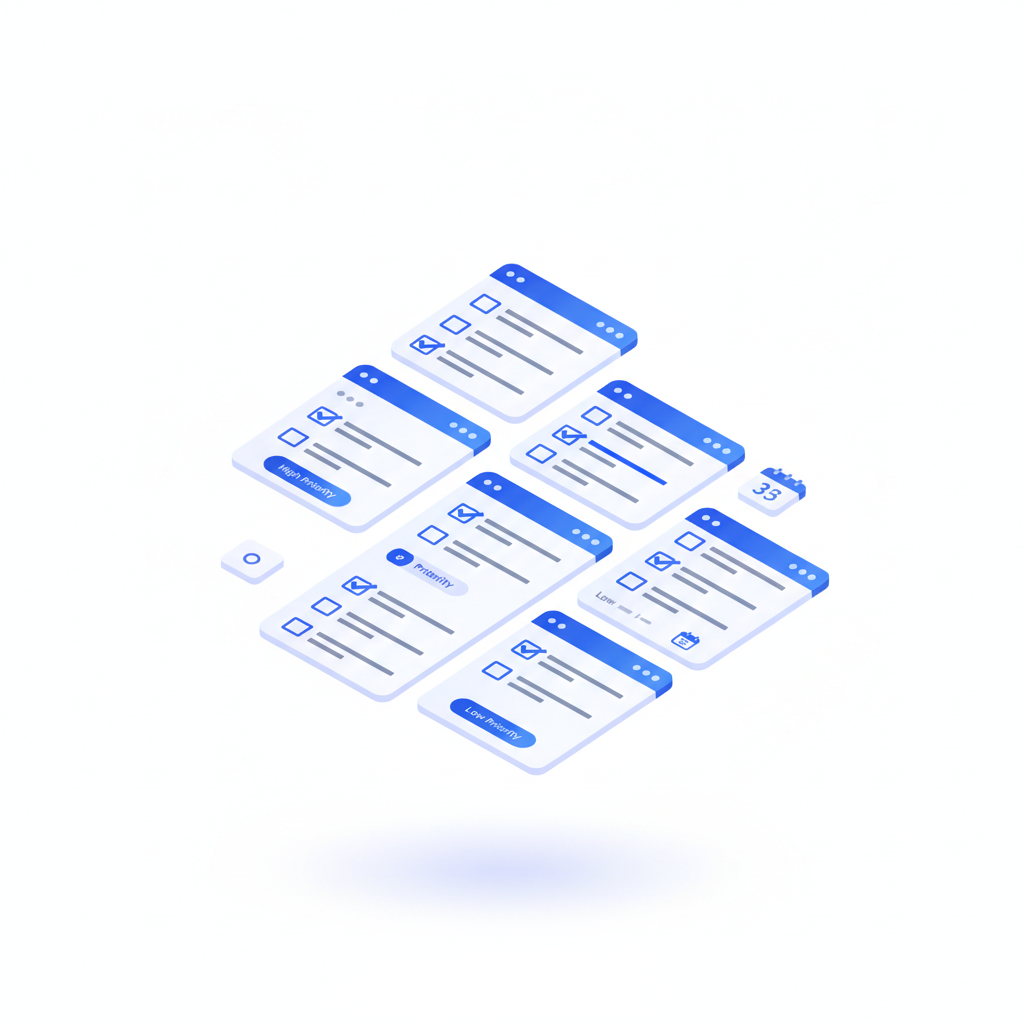
Syntech To Do List for Creatio
Embeddable task manager for any Creatio page: unlimited subtasks, priorities, assignees, due dates, progress bars and no-code binding to any object.
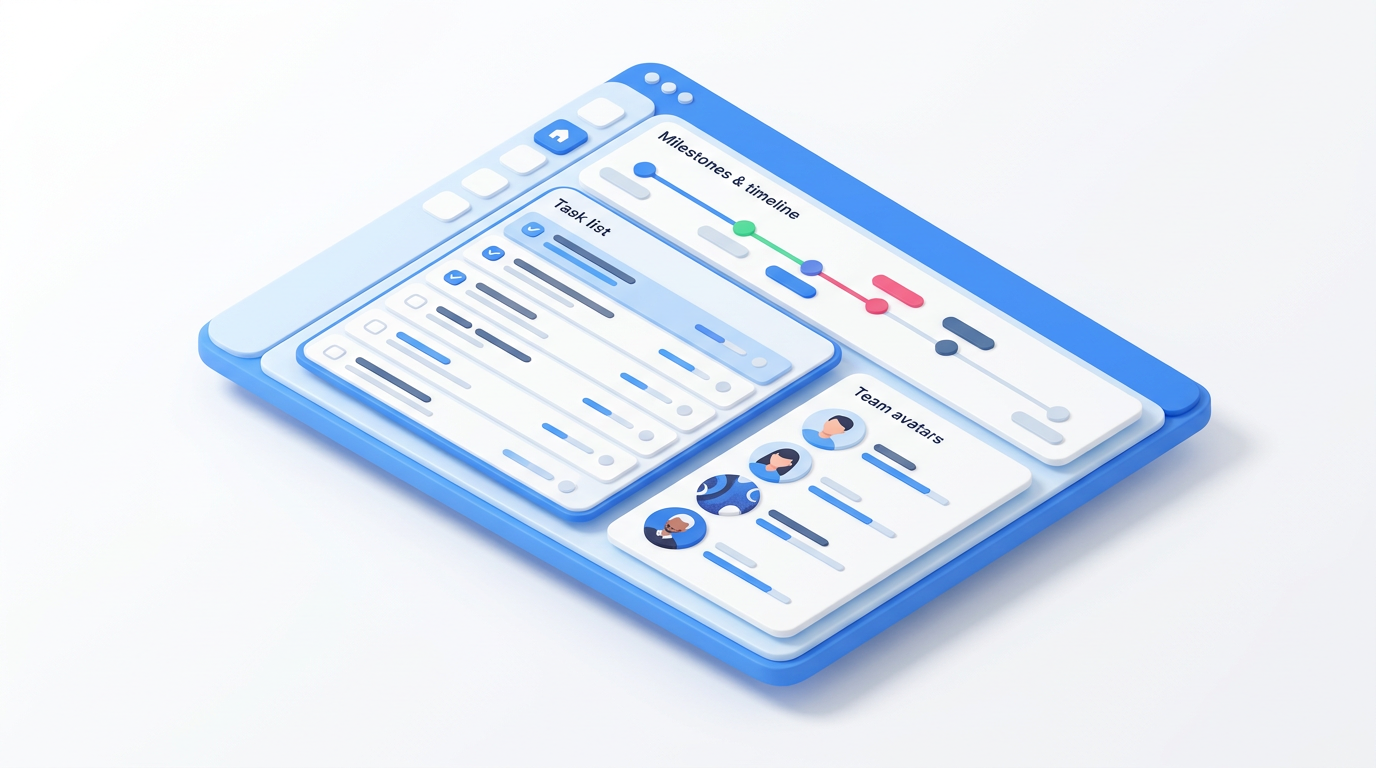
Syntech Project Management for Creatio
Project management in Creatio: project lifecycle from draft to closure, WBS templates, quality gate checklists, budget and cost control, portfolio view and an AI agent.
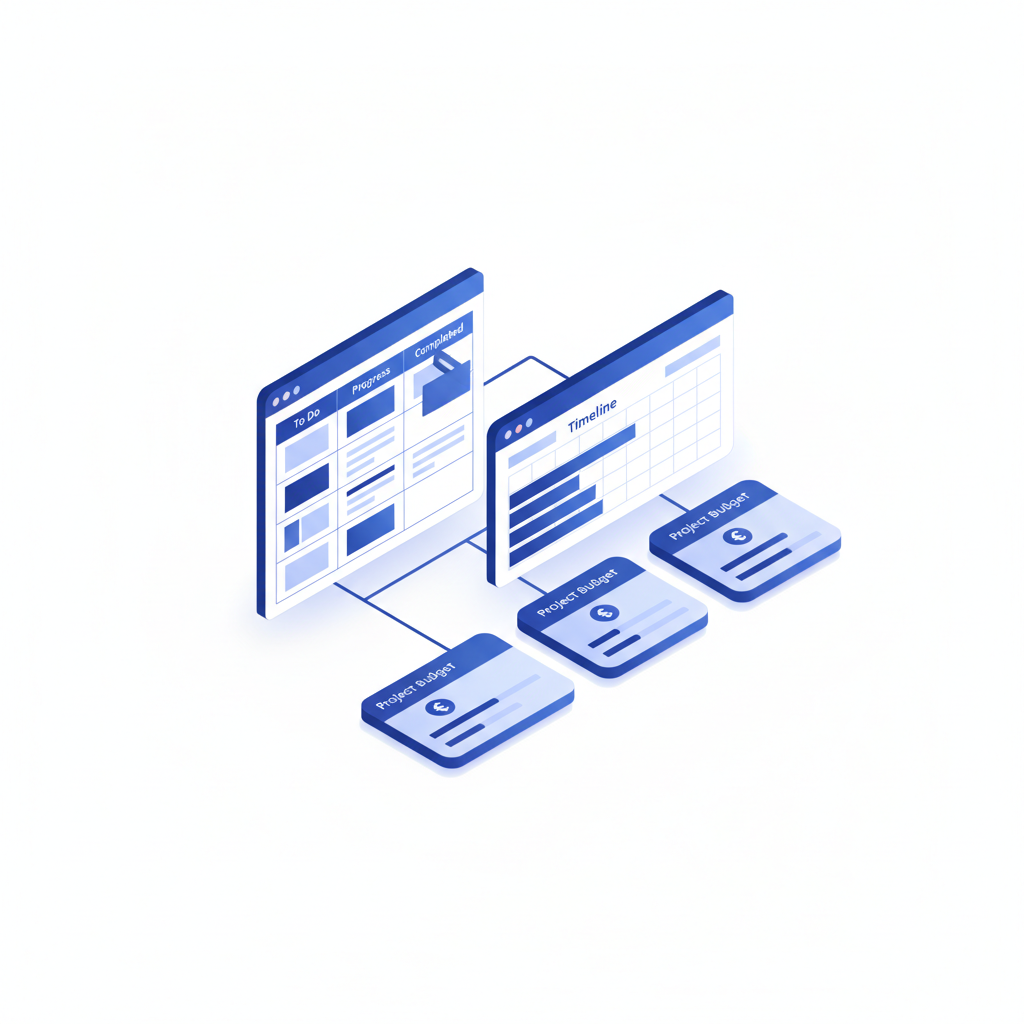
Project Management Studio for Creatio
Full project lifecycle in Creatio: Kanban, Gantt, hierarchy, budgets, planned vs actual hours and an AI project co-pilot. Enterprise edition of Syntech Project Management.
Frequently asked questions
Do we still need a separate Gantt tool?
No. Gantt, Kanban and the scheduler work as Creatio components, so data is not duplicated between systems.
Where should implementation start?
Usually with one project type and one board, then resources, budgets and the portfolio are added.
Related resources
Next step
15–30 minutes, no slide decks: we show the solution on your data and tell you if it fits.