SYNTECH
    Academy

    SYNTECH Academy

    Free lessons, guides, and videos on no-code, Creatio, and business automation.

    SYNTECH Academy is a library of practical material from the team that implements Creatio every day. The lessons show how to configure the platform without code: business processes, workspaces and sections, reporting, integrations, and how the SYNTECH applications for Creatio work — Gantt, Kanban, HRM, files, manufacturing. Material is grouped into categories, and each lesson contains step-by-step instructions, configuration examples and, where relevant, video. Access is free; registration only lets you keep your progress, like lessons and comment.
    Lessons, guides and videos

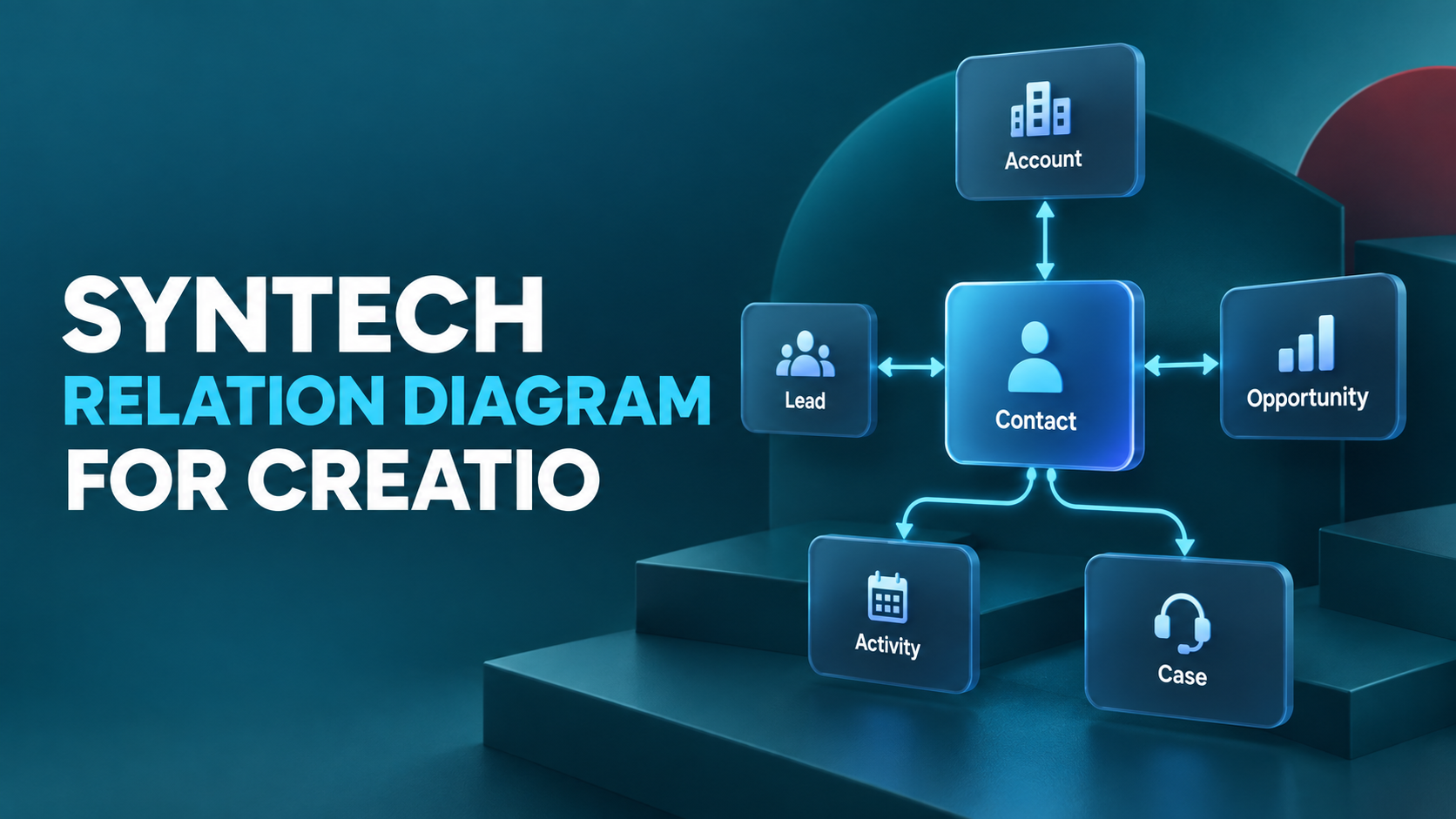
    Syntech Relation Diagram for Creatio: complete guide
    Tutorial

    Syntech Relation Diagram for Creatio: complete guide

    How to visualize connections between records, create interactive diagrams, and build organizational structures in Creatio.

    Read →
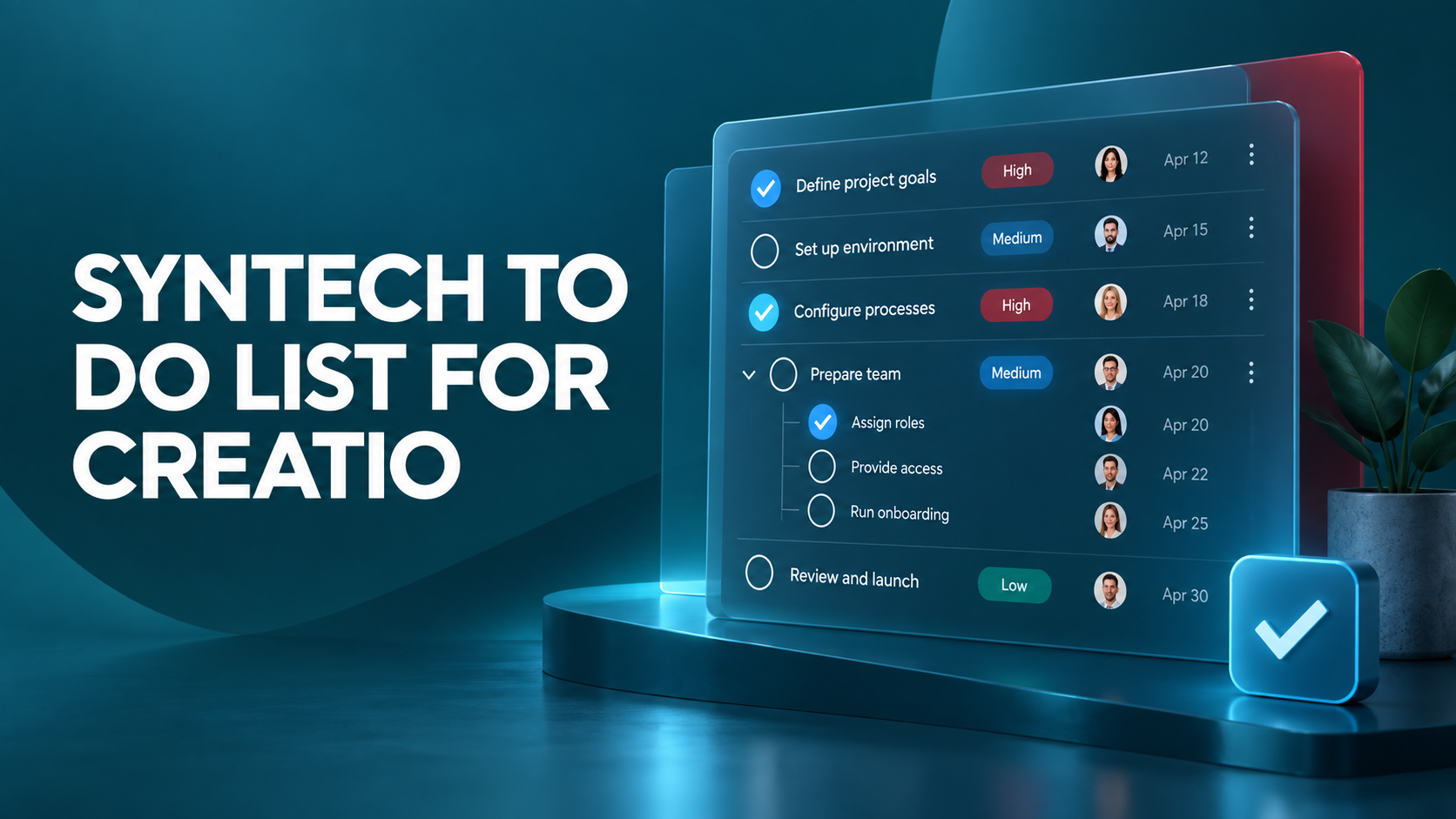
    Syntech To Do List for Creatio: complete guide to task management
    Tutorial

    Syntech To Do List for Creatio: complete guide to task management

    How to create tasks and subtasks, assign responsible persons, set priorities, statuses, and deadlines in Creatio.

    Read →
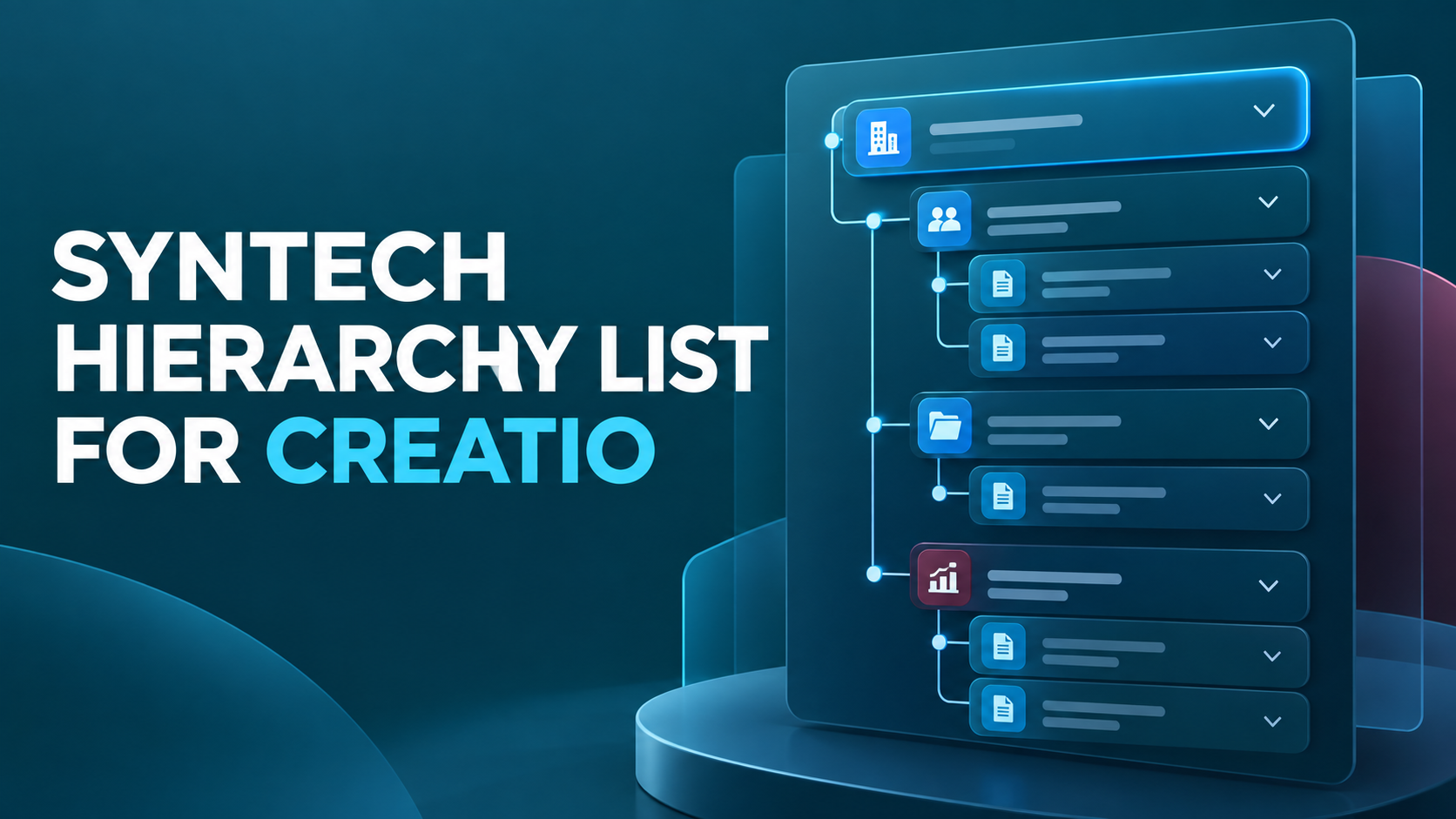
    Syntech Hierarchy List for Creatio: Complete Guide
    Tutorial

    Syntech Hierarchy List for Creatio: Complete Guide

    How to display records as a multi-level tree, configure columns, filters, formulas, and inline editing.

    Read →
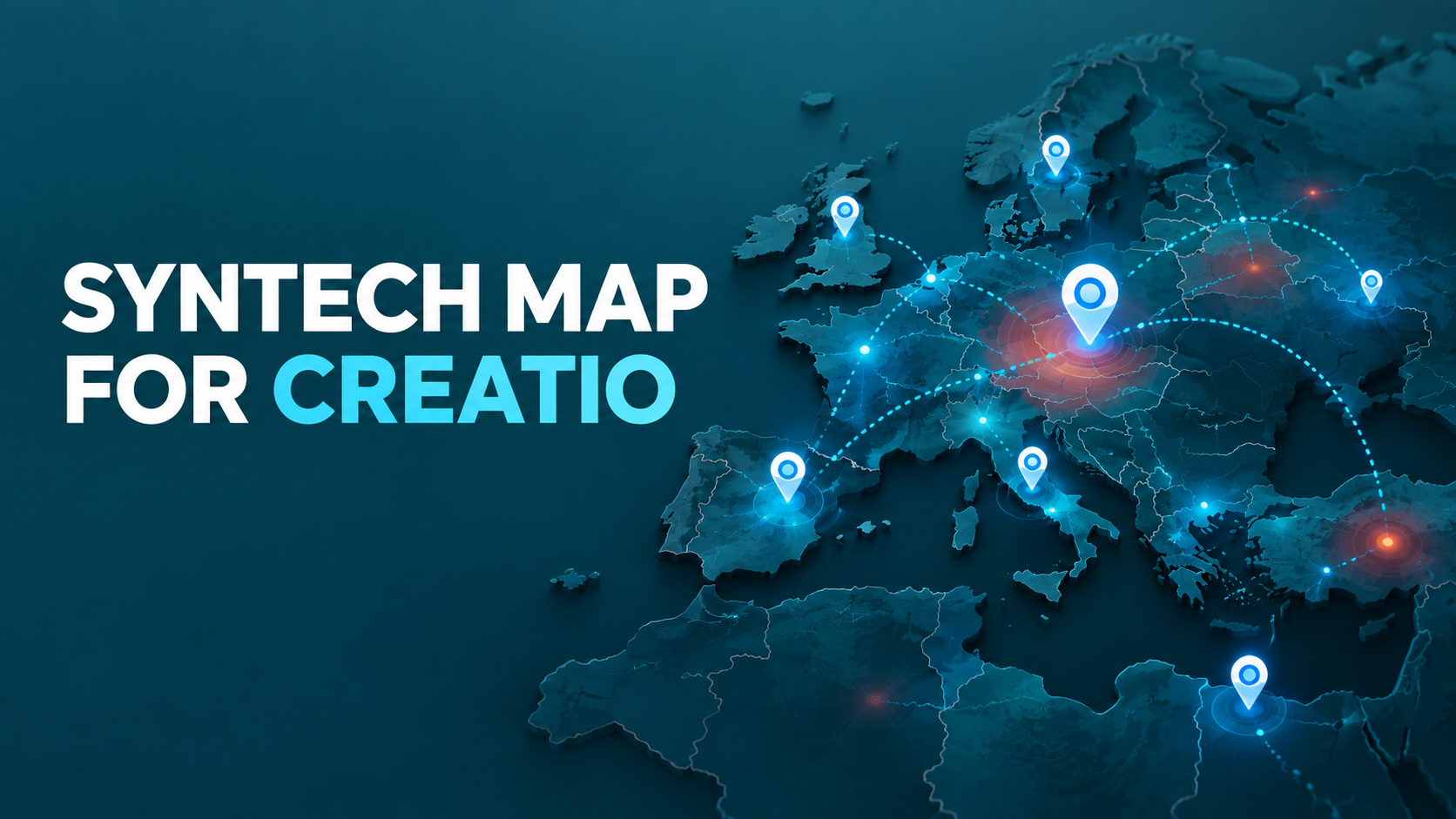
    Syntech Map for Creatio: complete guide to data visualization
    Tutorial

    Syntech Map for Creatio: complete guide to data visualization

    How to display addresses, territories, routes, polygons, and regional indicators on an interactive map in Creatio.

    Read →
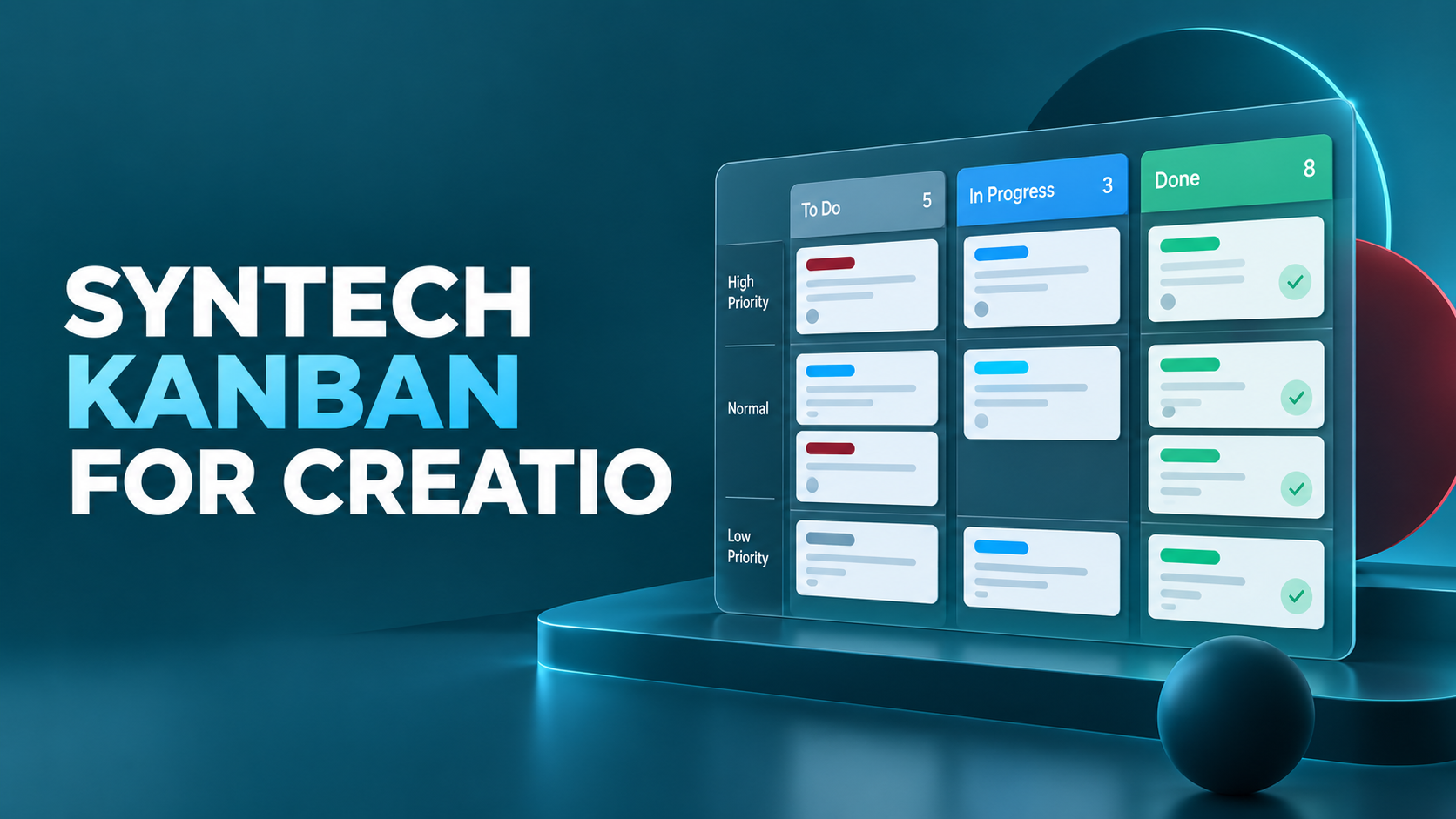
    Syntech Kanban for Creatio: complete guide to setting up the board
    Tutorial

    Syntech Kanban for Creatio: complete guide to setting up the board

    How to set up columns, cards, grouping, WIP limits, and filters for visual process management in Creatio.

    Read →
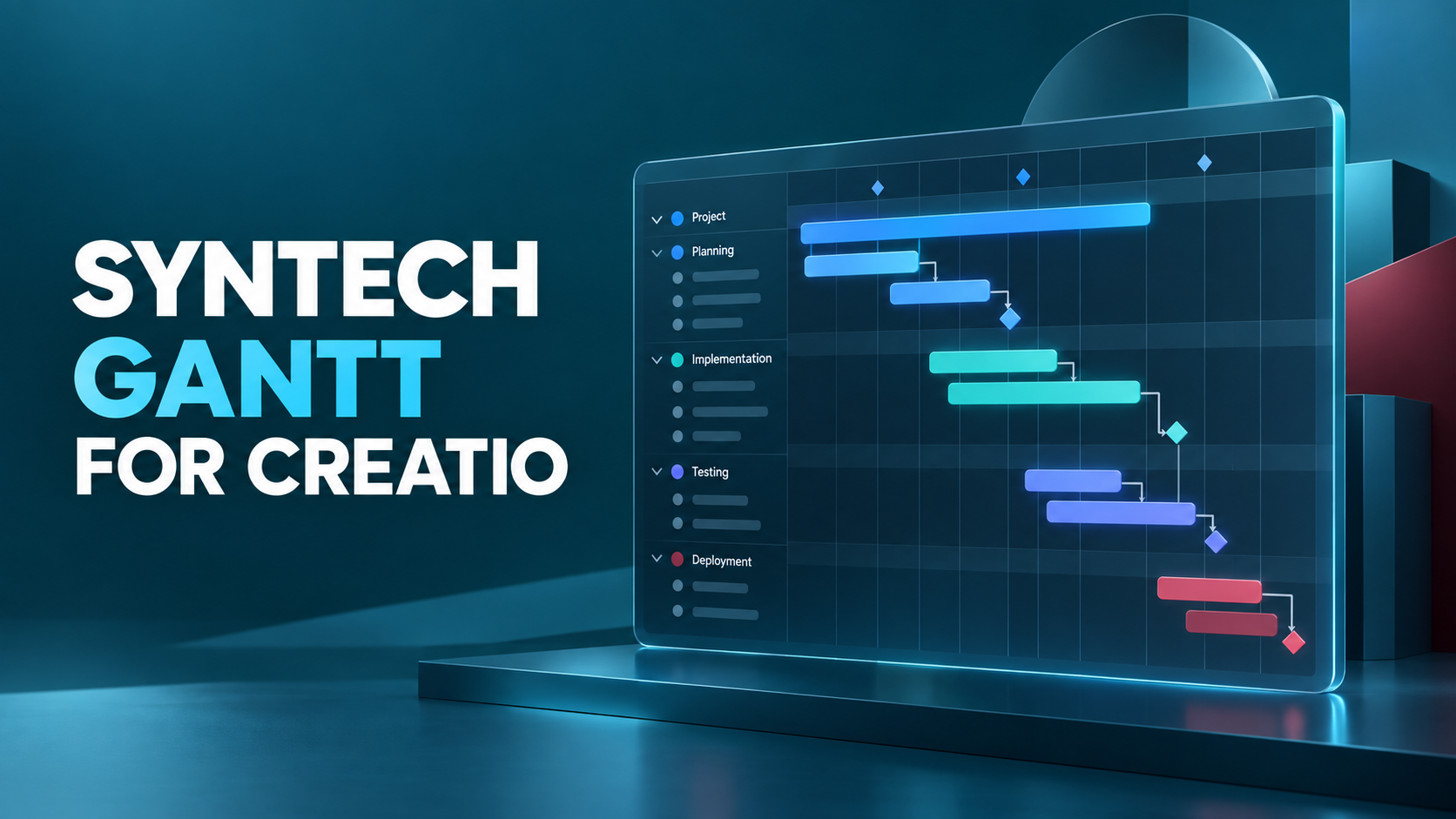
    Syntech Gantt for Creatio: A complete guide to project planning
    Tutorial

    Syntech Gantt for Creatio: A complete guide to project planning

    How to manage projects, tasks, dependencies, milestones, and resources on an interactive Gantt chart in Creatio.

    Read →
    Syntech Pivot for Creatio: complete guide to pivot tables
    Tutorial

    Syntech Pivot for Creatio: complete guide to pivot tables

    How to group and analyze data, create formula fields, apply filters, build charts, and export results

    Read →
    Syntech Availability Matrix for Creatio: complete guide
    Tutorial

    Syntech Availability Matrix for Creatio: complete guide

    How to visualize real estate objects by floors and sections, track their statuses, and work with availability directly in Creatio.

    Read →
    Syntech Portfolio for Creatio: complete guide to portfolio management
    Tutorial

    Syntech Portfolio for Creatio: complete guide to portfolio management

    How to control portfolios, programs, and projects using a dashboard, hierarchy, matrix, and table in Creatio.

    Read →
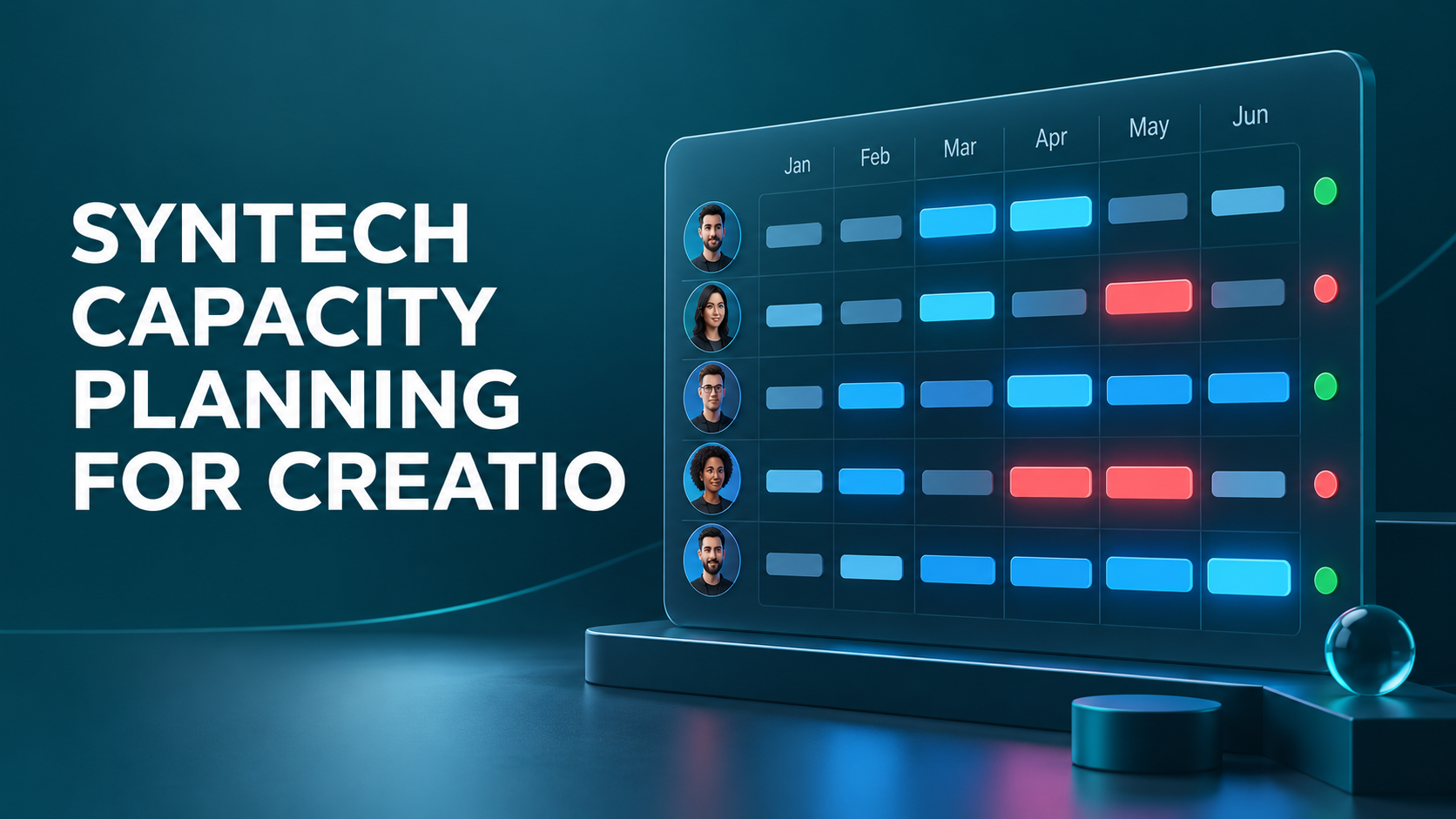
    Syntech Capacity Planning for Creatio: full guide to resource planning
    Tutorial

    Syntech Capacity Planning for Creatio: full guide to resource planning

    How to match resource needs with available capacity, control team workload, and plan working hours in Creatio.

    Read →
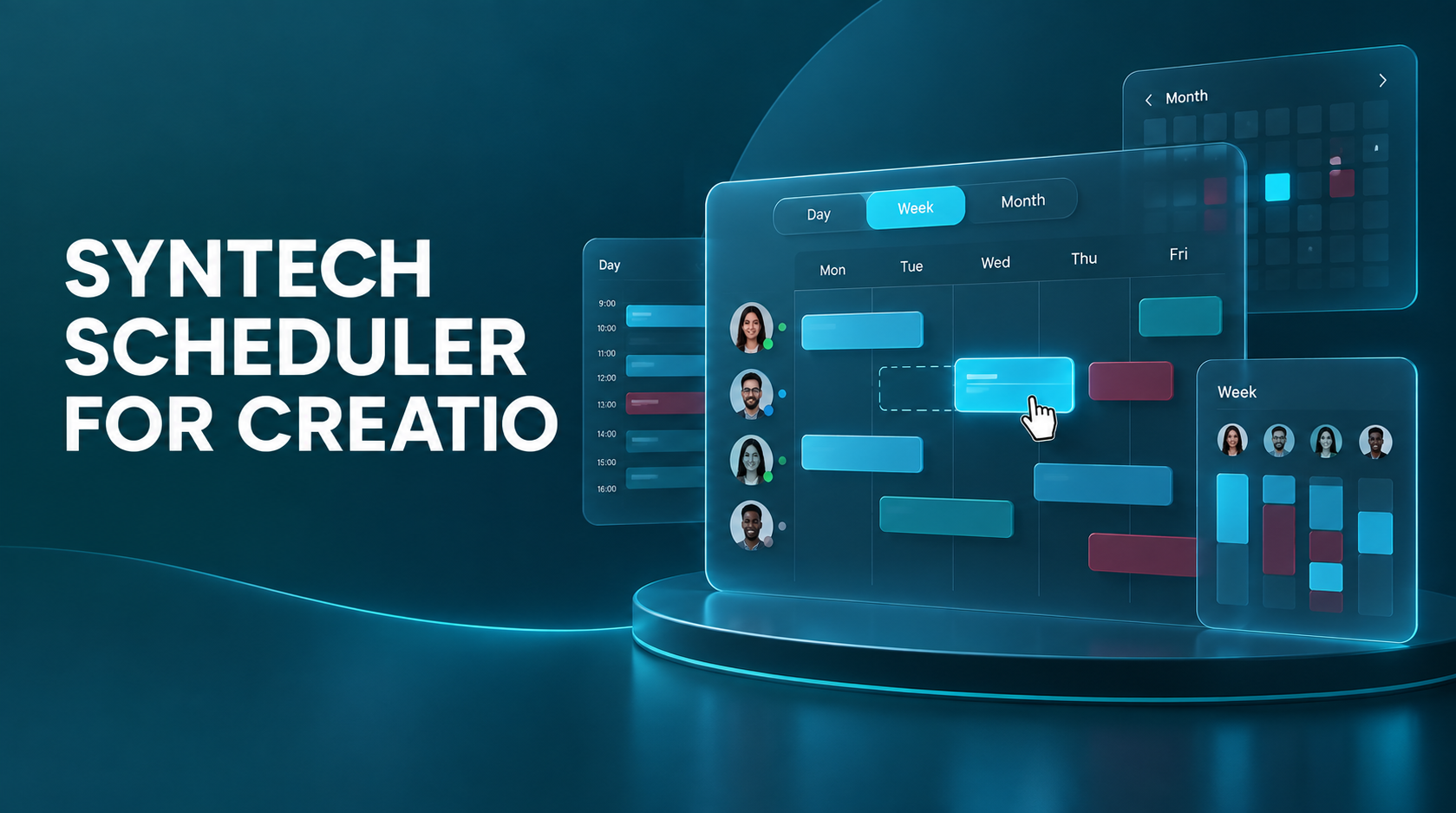
    Syntech Scheduler for Creatio: complete setup guide
    Tutorial

    Syntech Scheduler for Creatio: complete setup guide

    How to set up the calendar, work with six view modes, drag and drop events, and manage tasks directly in Creatio.

    Read →
    Syntech Tile View  Guide
    Tutorial

    Syntech Tile View Guide

    Read →
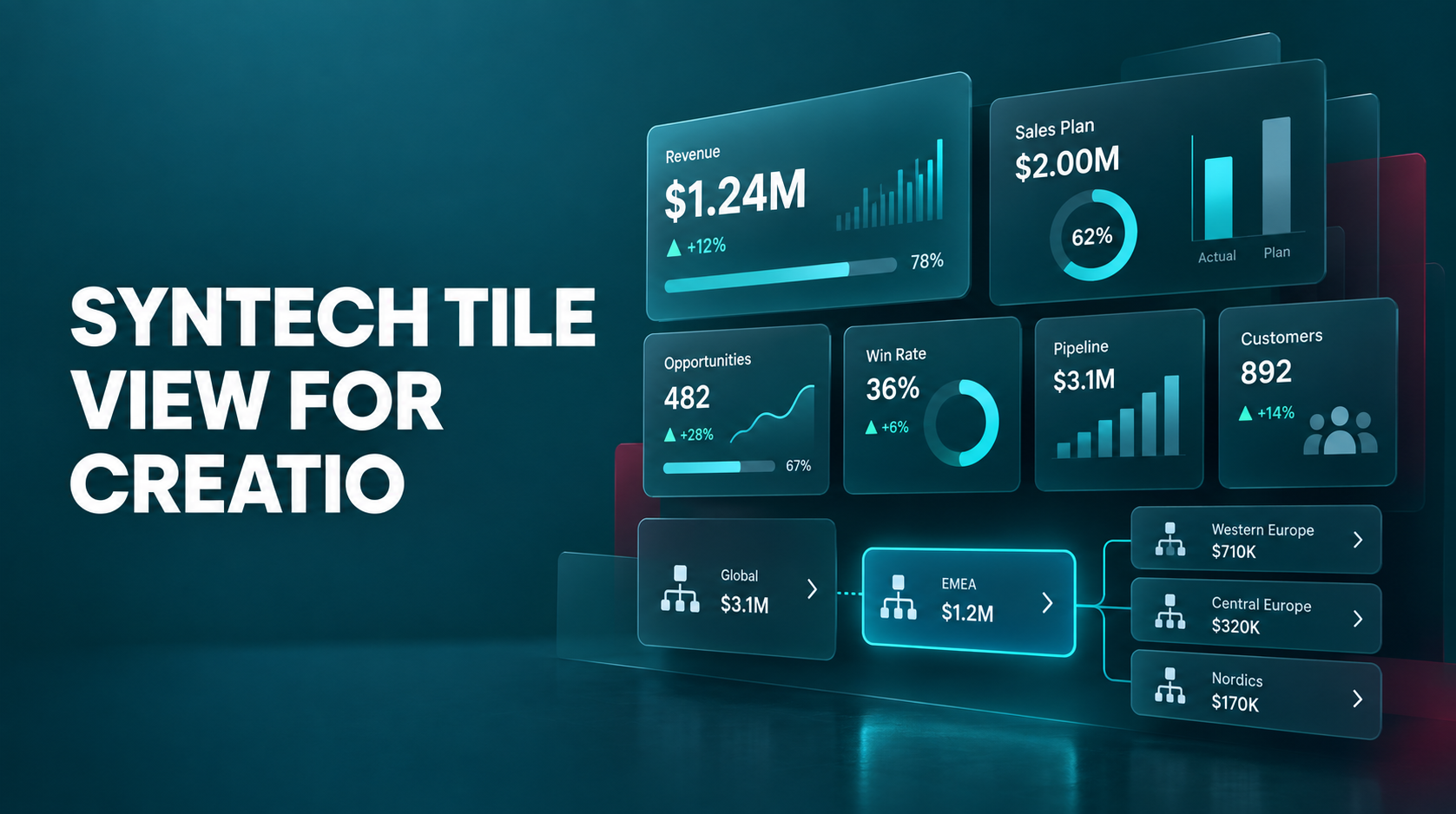
    Syntech Tile View for Creatio
    Video tutorial

    Syntech Tile View for Creatio

    Transform Creatio records into interactive KPI cards. Hierarchies, plan-fact, progress, and data drill-down in Freedom UI without code.

    Watch →
    Creatio CRM Relation Diagram | Relation Diagram
    Video tutorial

    Creatio CRM Relation Diagram | Relation Diagram

    Visualize connections between contacts, companies, and other Creatio records on an interactive diagram in Freedom UI.

    Watch →
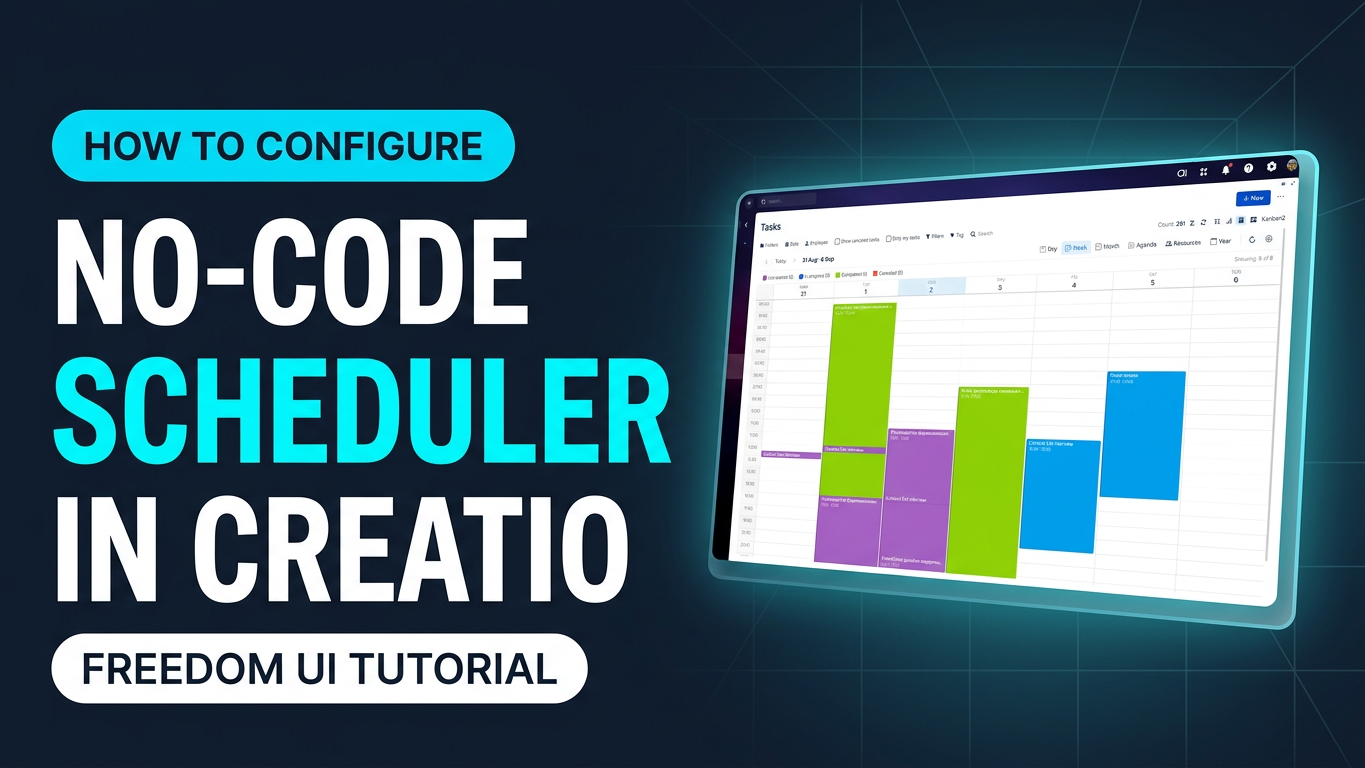
    Syntech Scheduler for Creatio in Creatio Freedom UI
    Video tutorial

    Syntech Scheduler for Creatio in Creatio Freedom UI

    Watch →
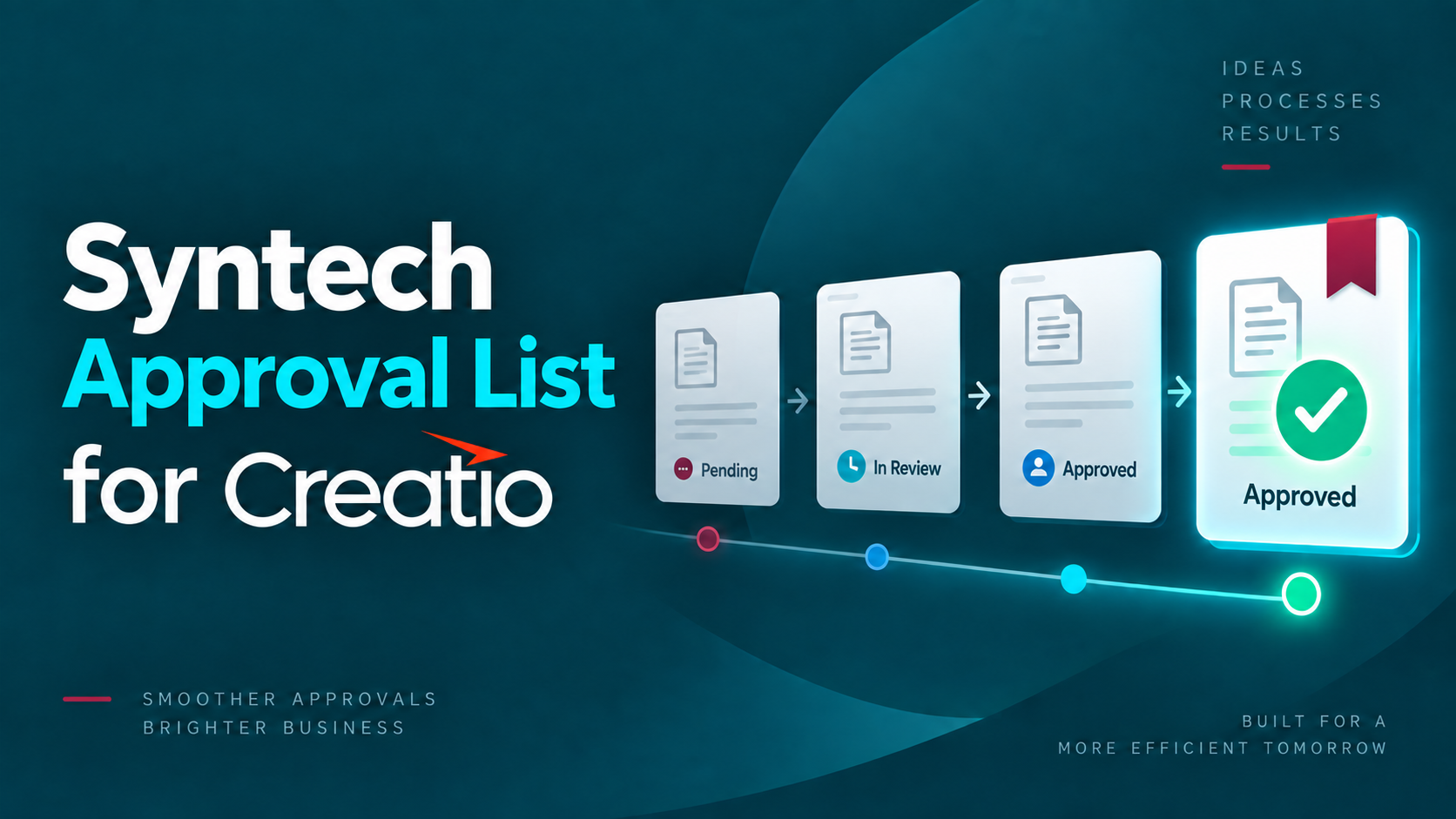
    Syntech Approval List for Creatio: All Approvals in One Clear List
    Video tutorial

    Syntech Approval List for Creatio: All Approvals in One Clear List

    Watch →
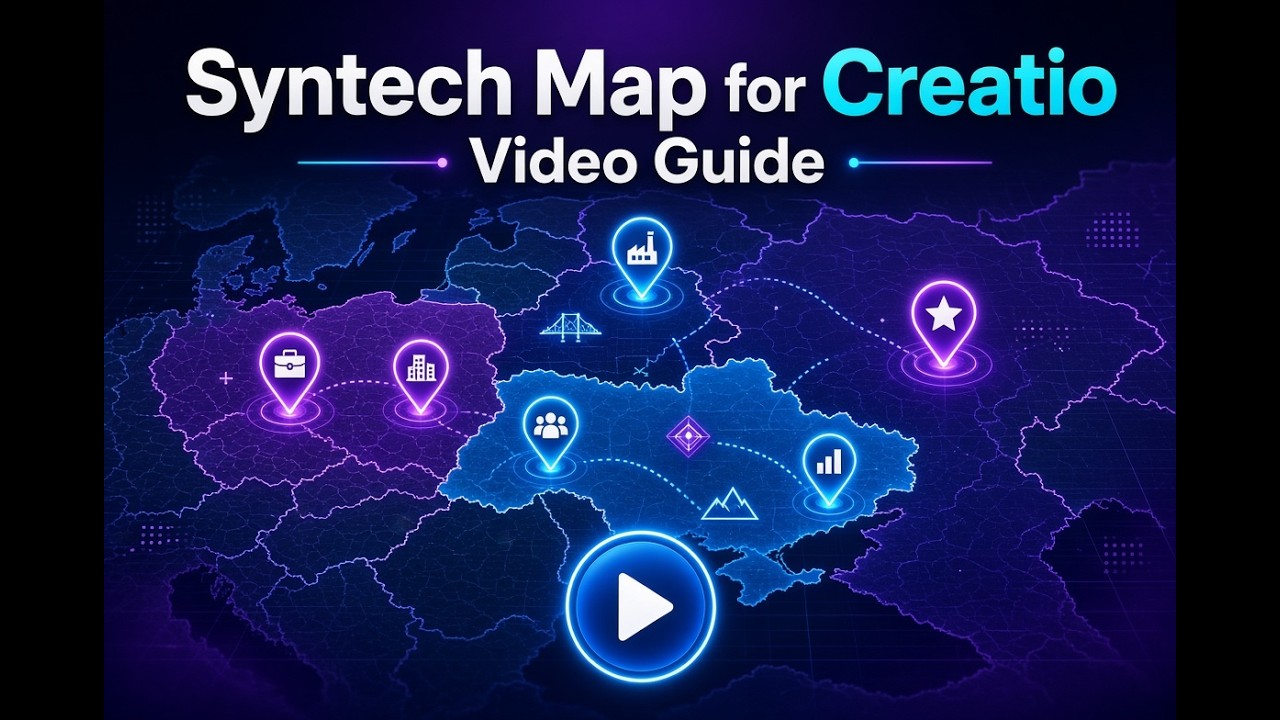
    Syntech Map for Creatio: Video Guide
    Video tutorial

    Syntech Map for Creatio: Video Guide

    Watch →
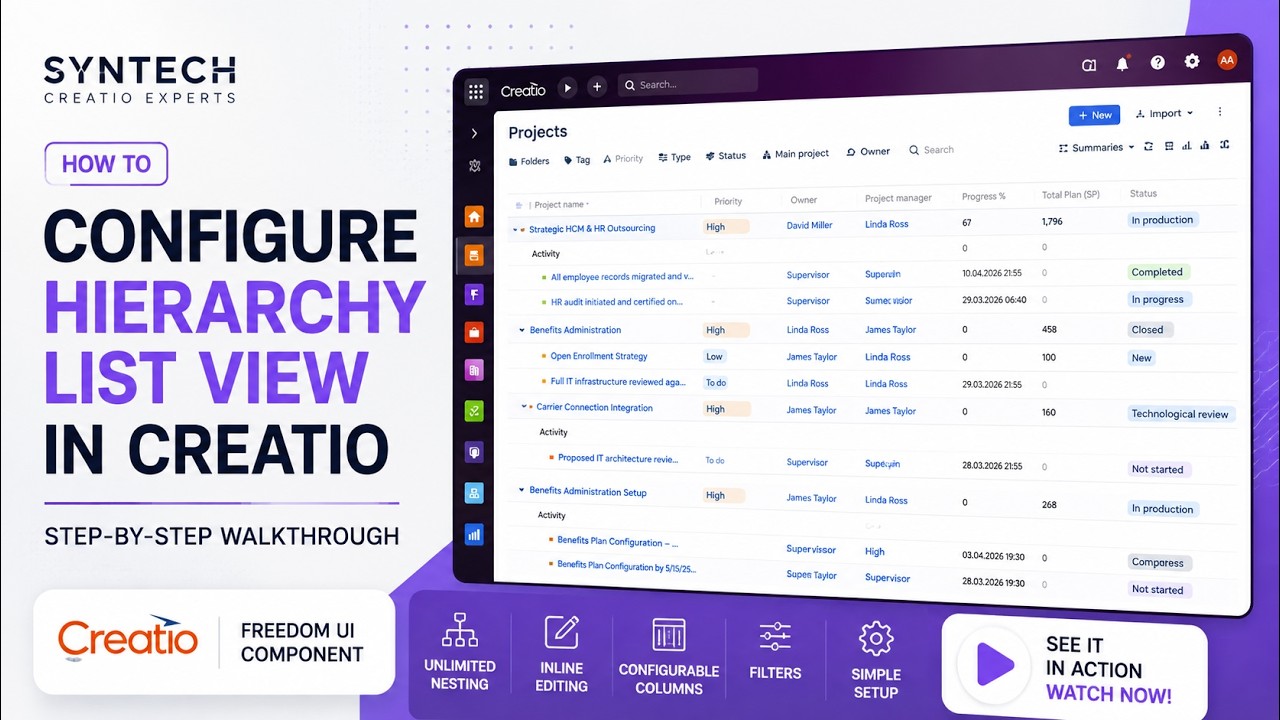
    Syntech Hierarchy List View for Creatio
    Video tutorial

    Syntech Hierarchy List View for Creatio

    Configurable tree-view component for Creatio Freedom UI that visualizes parent-child relationships across multiple Creatio objects.

    Watch →
    How to Configure Syntech To Do List for Creatio
    Video tutorial

    How to Configure Syntech To Do List for Creatio

    How to Configure Syntech To Do List for Creatio

    Watch →
    How to Configure Syntech Gantt View for Creatio
    Video tutorial

    How to Configure Syntech Gantt View for Creatio

    Learn how to configure Syntech Gantt View in Creatio Freedom UI - from data mapping and custom columns to milestones, resources, display options, critical path, and advanced project analytics.

    Watch →
    Kanban View
    Video tutorial

    Kanban View

    A step-by-step walkthrough of configuring Kanban View in Creatio - card layout, swimlanes, fields, and drag-and-drop, no code required.

    Watch →