
Syntech To Do List for Creatio
Gallery
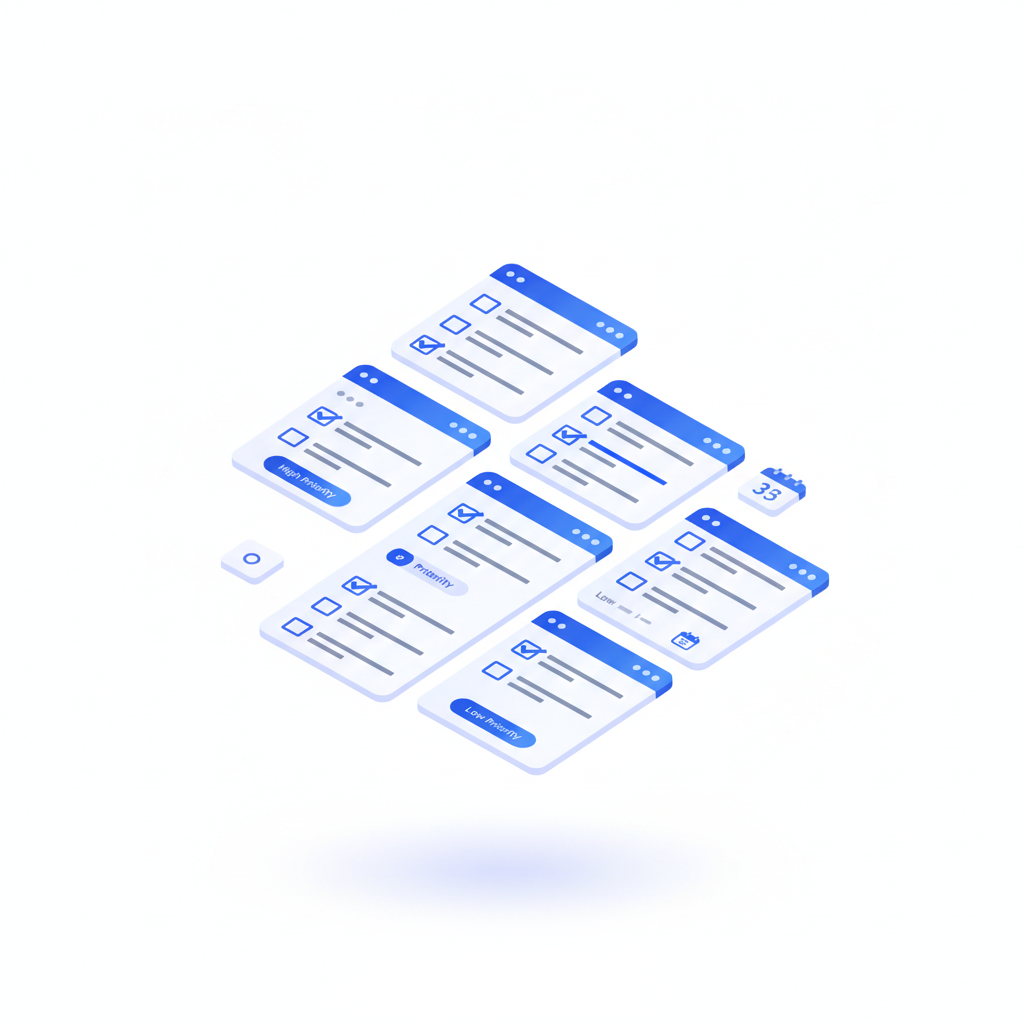
An embeddable, hierarchical task manager for any Creatio Freedom UI page. Connect it to any object without code and turn records into an interactive checklist with subtasks, priorities, assignees, due dates and progress.
Get it on Creatio Marketplace · Book a demo · Setup guide
| Platform | Creatio Freedom UI |
| Compatibility | Creatio 8.3.2 |
| Deployment | Cloud and on-site |
| Current version | 1.0.0 (May 2026) |
| Price | $1,200 per year (billed annually) |
| Trial | Available on Creatio Marketplace |
| Developer | SYNTECH, official Creatio partner |
What is Syntech To Do List?
Syntech To Do List puts a task tree exactly where the work happens: on an opportunity, a case, an employee record, a project dashboard or a home page. Users break work into subtasks, set priorities and due dates inline and see progress on every parent item.
The component binds to any Creatio entity — Activities, Leads or custom objects — auto-discovers fields and builds the tree from parent-child relationships.
Key features
Hierarchical tasks
Unlimited subtask depth. Each parent shows a completion counter and progress bar. Navigate with mouse or keyboard shortcuts.
Plug into any entity
The widget discovers fields and parent-child links automatically. Setup takes about 30 seconds.
Priority, assignee, due date inline
Set priorities, assign people with avatar previews and pick dates without leaving the row. Overdue items are highlighted.
No-code admin panel
Map title, parent, priority, status, due date, assignee and extra columns through dropdowns.
Embed anywhere
Record pages, sections or dashboards — a full task manager next to the data you use every day.
Use cases
| Team | Scenario | What they gain |
|---|---|---|
| Sales | Checklist on opportunities and leads | Deal actions never forgotten |
| Support | Subtask tree on cases | Resolution steps visible |
| Project managers | Projects mode on a dashboard | Several initiatives in one view |
| HR | Onboarding checklists on employee records | Structured first weeks |
| Operations | Inspections and compliance steps | Hierarchical tracking on custom objects |
How to set it up
- Install the app from Creatio Marketplace.
- Add the component to a Freedom UI page.
- Select the entity and map fields in the admin panel.
- Start adding tasks and subtasks.
Step-by-step instructions: Syntech To Do List setup guide.
Frequently asked questions
Can I use my own object instead of Activities? Yes. The component binds to any Creatio entity, including custom objects.
How deep can subtasks go? Nesting depth is unlimited.
Which Creatio versions does Syntech To Do List support? Creatio 8.3.2 (current version 1.0.0).
Is it available for cloud and on-site Creatio? Yes. It supports both cloud and on-site deployments.
How much does Syntech To Do List cost? $1,200 per year, billed annually. See current pricing on Creatio Marketplace.
Is there a free trial? Yes, a trial is available through Creatio Marketplace.
Who provides support? SYNTECH, the developer of the app and an official Creatio partner. Contact support@syntech.digital.
Related
- Solution: Project management for Creatio
- Works well with: Syntech Kanban View · Syntech Hierarchy List View
- Bundle: Syntech Components Pack — save 33% vs buying components separately
- Article: To Do List — no-code hierarchical task manager
Want to see it on your data? Book a 30-minute demo or open it on Creatio Marketplace.
Ready to Start?
Get this solution today and improve your business efficiency