
Project Management Studio for Creatio
Gallery
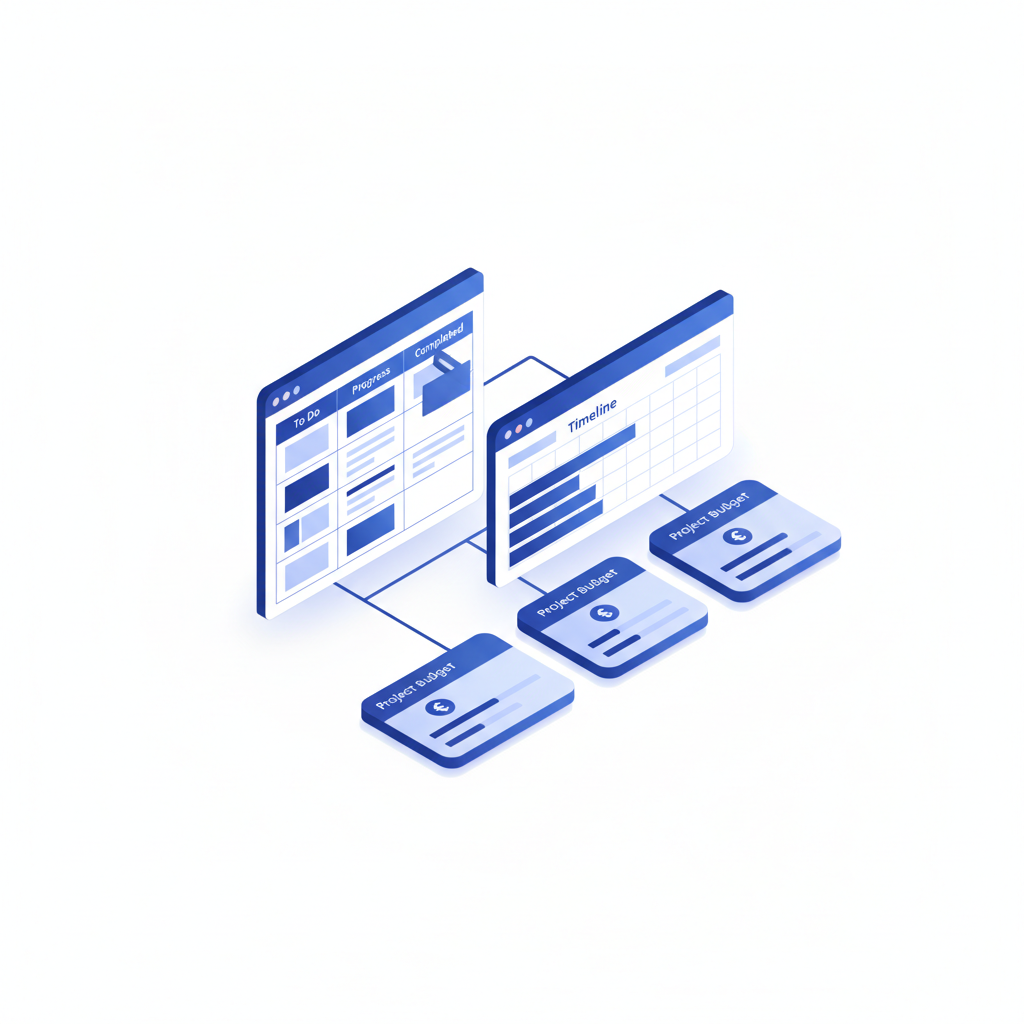
The enterprise edition of project management for Creatio. Plan, execute and monitor projects of any scale with Kanban, Gantt, hierarchical structures, budget control, workload tracking and an AI project co-pilot — all inside Creatio.
Get it on Creatio Marketplace · Book a demo
| Platform | Creatio Freedom UI |
| Compatibility | Creatio 8.3.0 and up (version 1.3 requires 8.3.1) |
| Deployment | Cloud and on-site |
| Current version | 1.3 (August 2026) |
| Price | Enterprise: $7,200 per year (billed annually) |
| Trial | Available on Creatio Marketplace |
| Developer | SYNTECH, official Creatio partner |
What is Syntech Project Management Studio?
Syntech Project Management Studio manages the entire project lifecycle in Creatio — from draft and contract negotiation to execution and closure. It combines the core Syntech Project Management app with visual add-ons: a Kanban board, an interactive Gantt chart and unlimited-depth hierarchies.
For companies that deliver projects after a deal closes, the main problem is the handover. Sales data lives in the CRM, while the plan, budget and hours live in a separate tracker. Studio keeps customers, deals and projects in one system, so project managers, finance and leadership look at the same numbers.
Key features
Centralized project workspace
All project details — type, priority, manager, budget and participants — on one page.
Kanban board
Visualize project tasks by status, reassign work and monitor progress in real time.
Gantt chart
Plan timelines, define dependencies, adjust schedules and track task completion against deadlines.
Unlimited hierarchy
Projects, sub-projects and activities in one expandable tree across multiple Creatio objects.
Progress and workload tracking
Monitor planned vs actual hours, costs, deadlines and overtime.
Budget and cost control
Estimate project costs, track actual expenses and analyze variances.
AI project co-pilot
Create projects from templates, track progress, detect risks, analyze resource workload and generate stakeholder reports through natural language. Six built-in skills turn hours of manual PM work into a single conversation.
Use cases
| Team | Scenario | What they gain |
|---|---|---|
| PMO | Portfolio of delivery projects | Budgets, hours and risks in one place |
| Project managers | Planning with Gantt and Kanban | No separate task tracker |
| Finance | Plan vs actual costs | Early warning on budget overruns |
| Professional services | Projects that start after a deal closes | Clean handover from sales to delivery |
How to set it up
- Install the app from Creatio Marketplace.
- Configure project types, stages and templates.
- Add Kanban and Gantt views to project pages in the Freedom UI Designer.
- Enable the AI co-pilot and train the team on the main scenarios.
Frequently asked questions
What is the difference between Project Management and Project Management Studio? Syntech Project Management is the core project app. Studio is the Enterprise edition that adds visual add-ons such as Gantt, Kanban and hierarchy views.
What can the AI co-pilot do? It creates projects from templates, tracks progress, detects risks, analyzes resource workload and generates stakeholder reports using natural-language requests.
Can it track hours and budgets? Yes. Planned vs actual hours, costs, deadlines and overtime are tracked, with budget variance analysis.
Which Creatio versions does Syntech Project Management Studio support? Creatio 8.3.0 and up. The latest version 1.3 requires Creatio 8.3.1.
Is it available for cloud and on-site Creatio? Yes. It supports both cloud and on-site deployments.
How much does Syntech Project Management Studio cost? The Enterprise plan is $600 per month, billed annually ($7,200 per year). See current pricing on Creatio Marketplace.
Is there a free trial? Yes, a trial is available through Creatio Marketplace.
Who provides support? SYNTECH, the developer of the app and an official Creatio partner. Contact support@syntech.digital.
Related
- Solution: Project management for Creatio
- Core app: Syntech Project Management
- Portfolio level: Syntech Portfolio Insights
- Articles: How to manage projects with PM Studio · PM Studio 1.2
Want to see it on your data? Book a 30-minute demo or open it on Creatio Marketplace.
Ready to Start?
Get this solution today and improve your business efficiency