
Syntech Scheduler for Creatio
Gallery
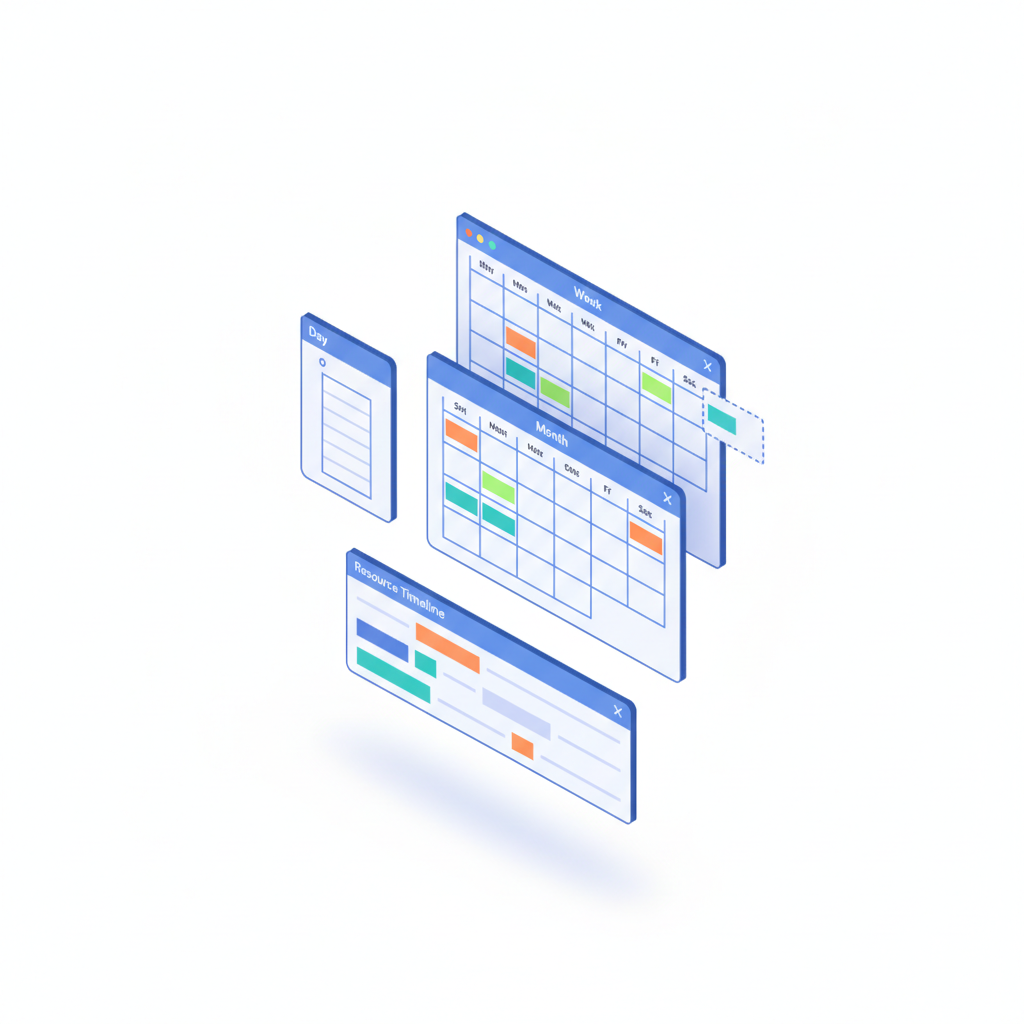
A calendar and scheduling component for Creatio Freedom UI. Turn any time-based records into interactive schedules with six views, drag-and-drop rescheduling and a resource timeline for team workload.
Get it on Creatio Marketplace · Book a demo · Setup guide
| Platform | Creatio Freedom UI |
| Compatibility | Creatio 8.3.0 and up |
| Deployment | Cloud and on-site |
| Current version | 1.4.0 (September 2026) |
| Price | $1,200 per year (billed annually) |
| Trial | Available on Creatio Marketplace |
| Developer | SYNTECH, official Creatio partner |
What is Syntech Scheduler?
Syntech Scheduler shows any Creatio records with dates — appointments, service visits, bookings, tasks, project activities — as a calendar. Planners switch between the day's focus, the week's plan and the month's big picture, and see the whole team's workload on one screen.
It works with out-of-the-box sections and custom objects, pulls status colors from lookups automatically, and saves every drag-and-drop change straight to Creatio.
Key features
Six views
Day, Week, Month, Year, Agenda and Resource Timeline. Switch with one click — same data, different perspectives.
Resource timeline
Group events by owner, department or any lookup field. See who is overloaded and who has capacity, spot conflicts and drag tasks between team members.
Drag, drop, resize
Move events to another time or day, resize to change duration, and reassign in the timeline. Changes save instantly.
Agenda view
A clean list of upcoming events with date, time and status colors for morning planning and daily reviews.
Dense month view
Compact cards handle 100+ events per month without clutter.
Easy setup
Point to an entity, define a few columns and you are done. Smart defaults, no coding, status colors from lookups.
Use cases
| Team | Scenario | What they gain |
|---|---|---|
| Service | Field visits and technician schedules | Balanced workload, fewer conflicts |
| Sales | Meetings and demos | Clear daily agenda |
| Clinics, salons, rentals | Bookings and appointments | Visual availability |
| Project teams | Activities by owner | Capacity visible at a glance |
How to set it up
- Install the app from Creatio Marketplace.
- Add the Scheduler component to a Freedom UI page.
- Select the entity and map title, start, end, status and owner.
- Choose default view and grouping for the resource timeline.
Step-by-step instructions: Syntech Scheduler setup guide.
Frequently asked questions
Does it work with custom objects? Yes. It works with out-of-the-box sections and any custom object that has date fields.
Can I reassign work between people? Yes. In the resource timeline, drag an event to another team member.
Where do event colors come from? Status colors are taken automatically from the related lookup.
Which Creatio versions does Syntech Scheduler support? Creatio 8.3.0 and up.
Is it available for cloud and on-site Creatio? Yes. It supports both cloud and on-site deployments.
How much does Syntech Scheduler cost? $1,200 per year, billed annually. See current pricing on Creatio Marketplace.
Is there a free trial? Yes, a trial is available through Creatio Marketplace.
Who provides support? SYNTECH, the developer of the app and an official Creatio partner. Contact support@syntech.digital.
Related
- Solution: Project management for Creatio
- Works well with: Syntech Gantt View · Syntech Kanban View
- Bundle: Syntech Components Pack — save 33% vs buying components separately
- Academy: Syntech Scheduler guide
Want to see it on your data? Book a 30-minute demo or open it on Creatio Marketplace.
Ready to Start?
Get this solution today and improve your business efficiency