
Syntech Pivot for Creatio
Gallery
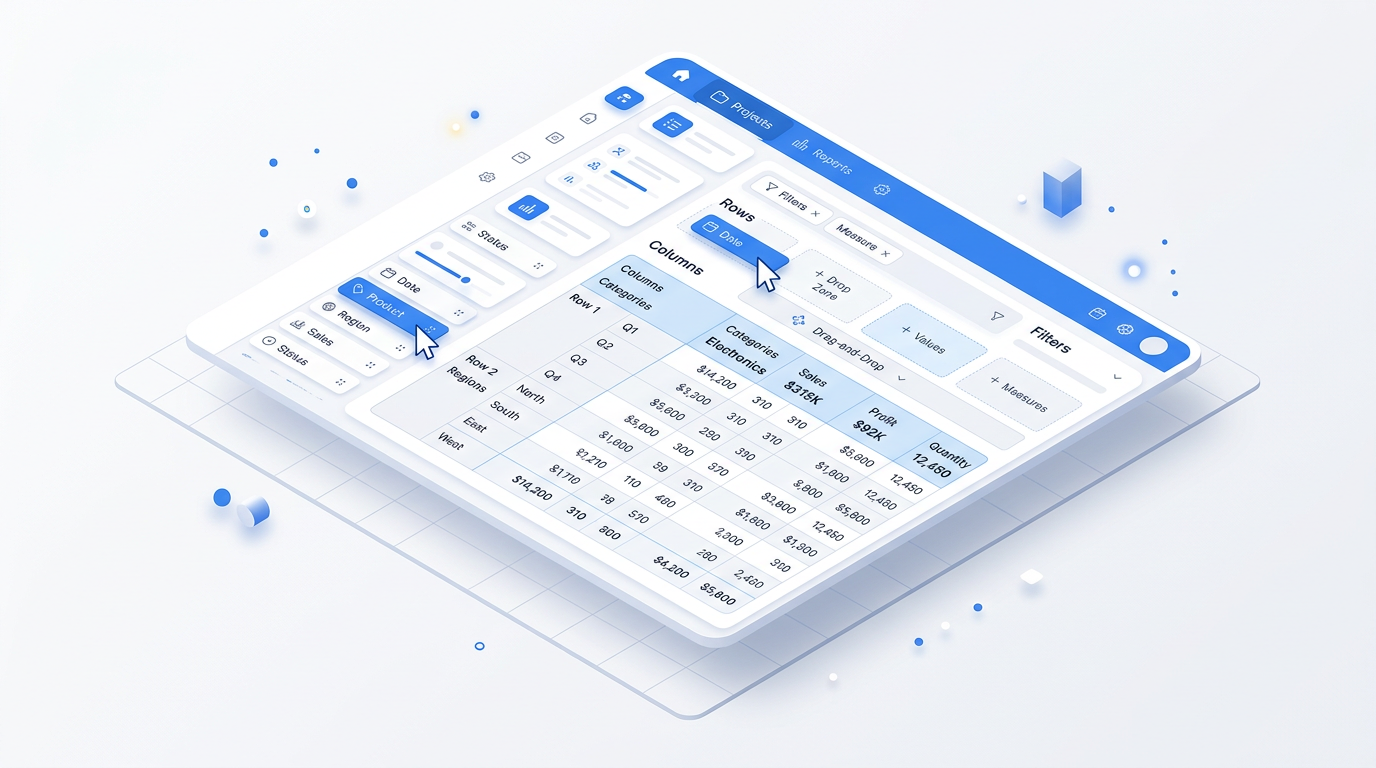
Interactive pivot tables directly in Creatio. Analyze data from any standard or custom section, build multi-dimensional reports without developers and drill down to source records — no export to spreadsheets.
Get it on Creatio Marketplace · Book a demo
| Platform | Creatio Freedom UI |
| Compatibility | Creatio 8.3.1 |
| Deployment | Cloud and on-site |
| Current version | 1.5.0 (August 2026) |
| Price | $1,200 per year (billed annually) |
| Trial | Available on Creatio Marketplace |
| Developer | SYNTECH, official Creatio partner |
What is Syntech Pivot?
Syntech Pivot adds pivot-table analytics to Creatio. Users slice and dice data in real time — revenue by manager and quarter, cases by product and status, orders by region — and answer new questions in seconds.
Standard dashboards are built for known questions. Ad-hoc questions usually end with an export to Excel, a manual pivot and a report that is outdated by the next morning. Syntech Pivot keeps the analysis on live Creatio data, respects the filters users already apply, and lets them click any number to see the records behind it.
Key features
Pivot tables on any section
Build reports from standard sections such as Contacts, Accounts, Opportunities, Orders and Cases, or from custom and industry-specific objects, using the data sources and filters you already know.
Drag-and-drop designer
Place dimensions in Rows and Columns, metrics in Values and fields in Filters. Reorder fields by dragging; changes are saved automatically.
Flexible aggregations
Sum, Count, Average, Min and Max, several measures in one table, and grouping by lookups, categories or date parts (year, quarter, month, day).
Drilldown to source records
Click any cell to see the contributing records in an expandable panel and open any record in Creatio's standard page.
Advanced filtering
Multi-select row and column filters with search. The pivot follows folder, quick and advanced filters on the Freedom UI page in real time.
Custom columns and formulas
Create calculated fields derived from other aggregated values, such as margin or conversion rate.
Chart visualization
Turn a pivot into a chart for presentations and dashboards.
Use cases
| Team | Scenario | What they gain |
|---|---|---|
| Sales management | Pipeline by manager, stage and quarter | Ad-hoc analysis without Excel |
| Service | Cases by product, priority and status | Spot problem areas quickly |
| Finance | Orders and invoices by period and account | Live numbers with drilldown |
| Operations | Custom objects by region or category | Reports without developer involvement |
How to set it up
- Install the app from Creatio Marketplace.
- Add the Pivot component to a Freedom UI page or dashboard.
- Select the source object.
- Drag fields into Rows, Columns, Values and Filters.
Recent releases
- 1.5.0 (Aug 2026): latest release
- 1.3 (May 2026): saved views — see Pivot 1.3 update
Frequently asked questions
Can I analyze custom objects? Yes. Any standard or custom Creatio object can be the data source.
Does the pivot respect page filters? Yes. Folder, quick and advanced filters on the Freedom UI page are applied in real time.
Can I see which records make up a number? Yes. Click any cell to open the list of contributing records.
Which Creatio versions does Syntech Pivot support? Creatio 8.3.1 (current version 1.5.0).
Is it available for cloud and on-site Creatio? Yes. It supports both cloud and on-site deployments.
How much does Syntech Pivot cost? $1,200 per year, billed annually. See current pricing on Creatio Marketplace.
Is there a free trial? Yes, a trial is available through Creatio Marketplace.
Who provides support? SYNTECH, the developer of the app and an official Creatio partner. Contact support@syntech.digital.
Related
- Solution: Creatio UI & productivity
- Works well with: Syntech Tile View · Syntech Screenshot Tool
- Bundle: Syntech Components Pack — save 33% vs buying components separately
Want to see it on your data? Book a 30-minute demo or open it on Creatio Marketplace.
Ready to Start?
Get this solution today and improve your business efficiency