
Syntech Screenshot Tool for Creatio
Gallery
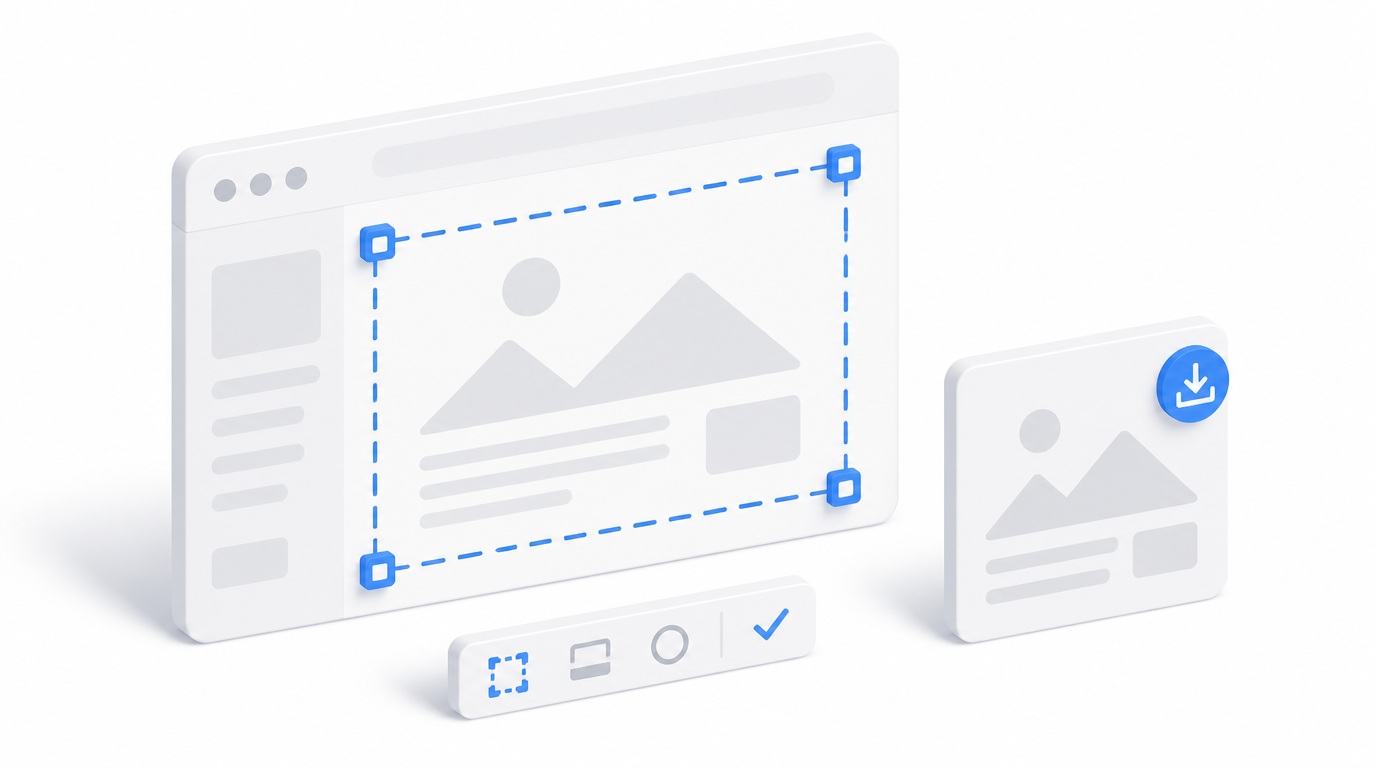
A free Freedom UI add-on that captures Creatio home pages and dashboards and exports them as JPG images or multi-page PDFs — no browser extensions or manual editing.
Install on Creatio Marketplace · Book a demo
| Platform | Creatio Freedom UI |
| Compatibility | Creatio 8.3.0 and up |
| Deployment | Cloud and on-site |
| Current version | 1.0.0 (August 2026) |
| Price | Free |
| Formats | JPG, multi-page PDF |
| Developer | SYNTECH, official Creatio partner |
What is Syntech Screenshot Tool?
Managers regularly need dashboards in a weekly report, a board presentation or training materials. Browser screenshots cut long dashboards and need manual stitching. Syntech Screenshot Tool captures the page from inside Creatio and exports a presentation-ready file in one click.
Key features
Simple capture
Capture home pages and dashboards from an intuitive in-app interface.
Choose the format
A lightweight JPG for quick sharing, or a multi-page PDF for printing and archiving.
Use cases
| Team | Scenario | What they gain |
|---|---|---|
| Management | Weekly KPI reports | Dashboards in reports in seconds |
| Trainers | Training and documentation | Clean visuals without editing |
How to set it up
- Install the free app from Creatio Marketplace.
- Open a home page or dashboard.
- Start the capture and choose JPG or PDF.
Frequently asked questions
Which pages can be captured? Creatio home pages and dashboards.
Which Creatio versions does Syntech Screenshot Tool support? Creatio 8.3.0 and up.
Is it available for cloud and on-site Creatio? Yes. It supports both cloud and on-site deployments.
How much does Syntech Screenshot Tool cost? It is free.
Who provides support? SYNTECH, the developer of the app and an official Creatio partner. Contact support@syntech.digital.
Related
- Works well with: Syntech Pivot · Syntech Tile View
- Article: Syntech Screenshot Tool
Want to see it on your data? Book a 30-minute demo or open it on Creatio Marketplace.
Ready to Start?
Get this solution today and improve your business efficiency