
Creatio UI & productivity
Ready UI components instead of building from scratch: maps, pivots, diagrams, whiteboard.
Typical pains
- A custom component means weeks of development
- The data exists but lists make it hard to analyse
- Every platform update breaks the custom code
What this is
SYNTECH UI components for Creatio are ready maps, pivot tables, relation diagrams, hierarchical lists and a whiteboard installed into your existing Creatio instance. SYNTECH is a Creatio partner and a developer of Creatio Marketplace applications.
Use cases
- Analysing data in pivot tables
- Customers and assets on a map
- Record hierarchies and relations at a glance
Benefits
- An app install instead of weeks of development
- Components stay compatible with platform updates
- Available on the Creatio Marketplace
Industries
- Any company running Creatio
- Creatio partners and integrators
- In-house no-code teams
Solutions in this category
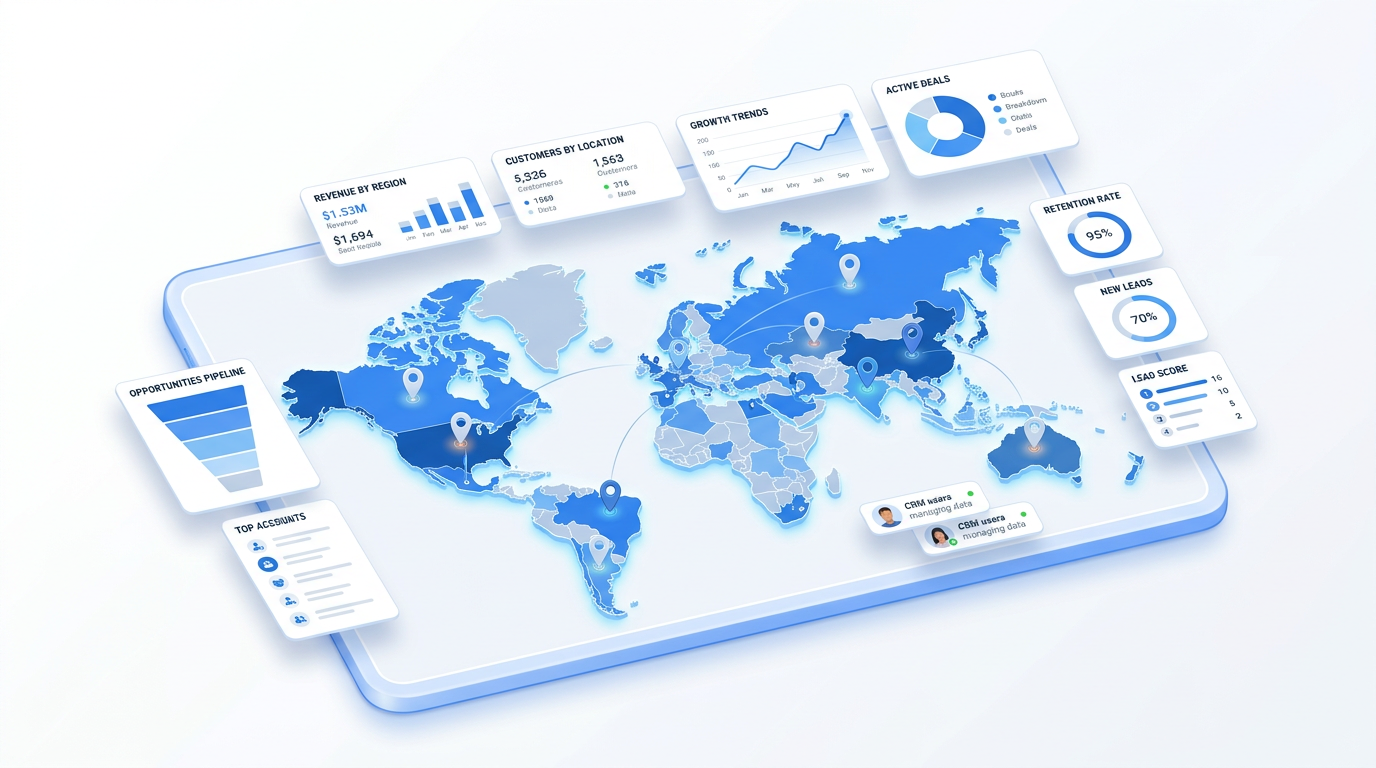
Syntech Map for Creatio
Interactive maps in Creatio Freedom UI: automatic geocoding, custom markers, polygons and territory drawing, heatmaps with 20+ region presets, live filters. Free tier.
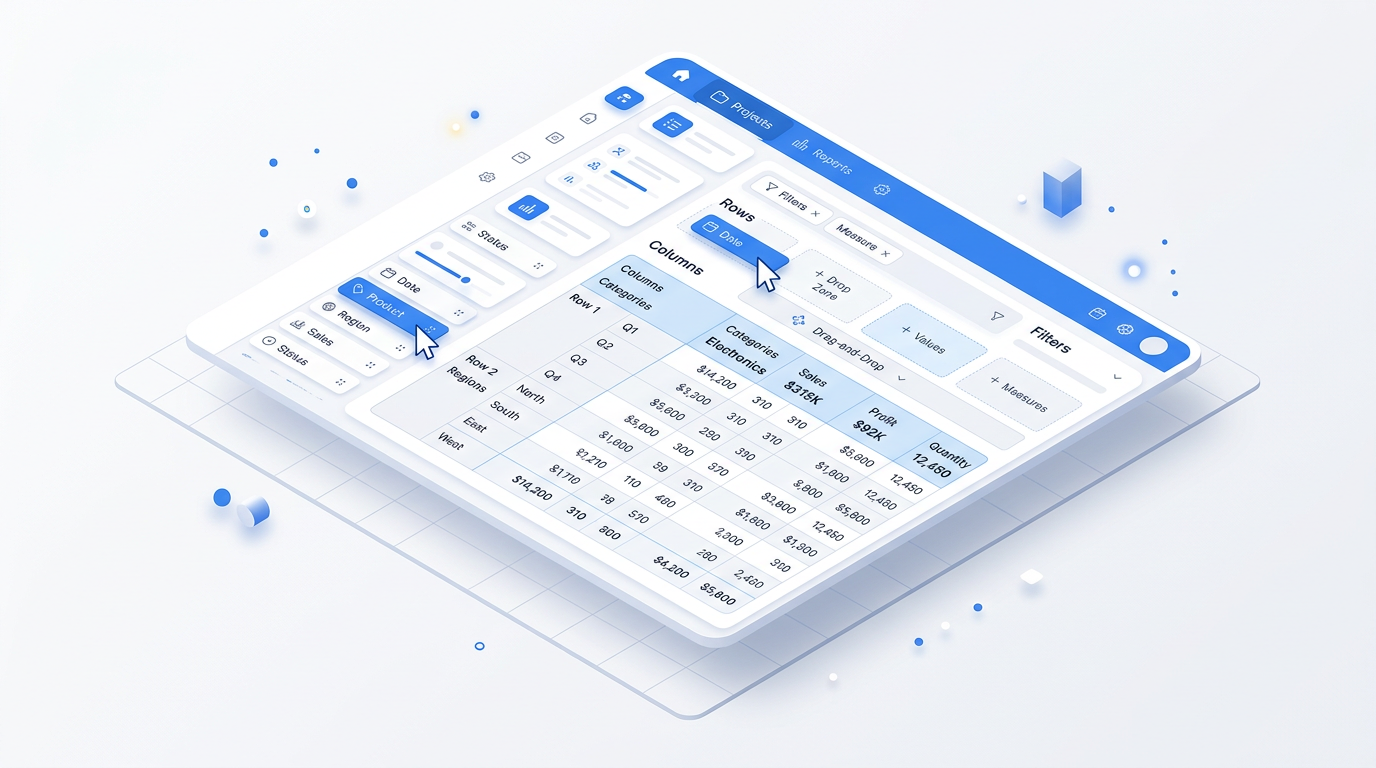
Syntech Pivot for Creatio
Interactive pivot tables inside Creatio: drag-and-drop designer, sum/count/avg/min/max, date grouping, drilldown to records, calculated columns and charts.
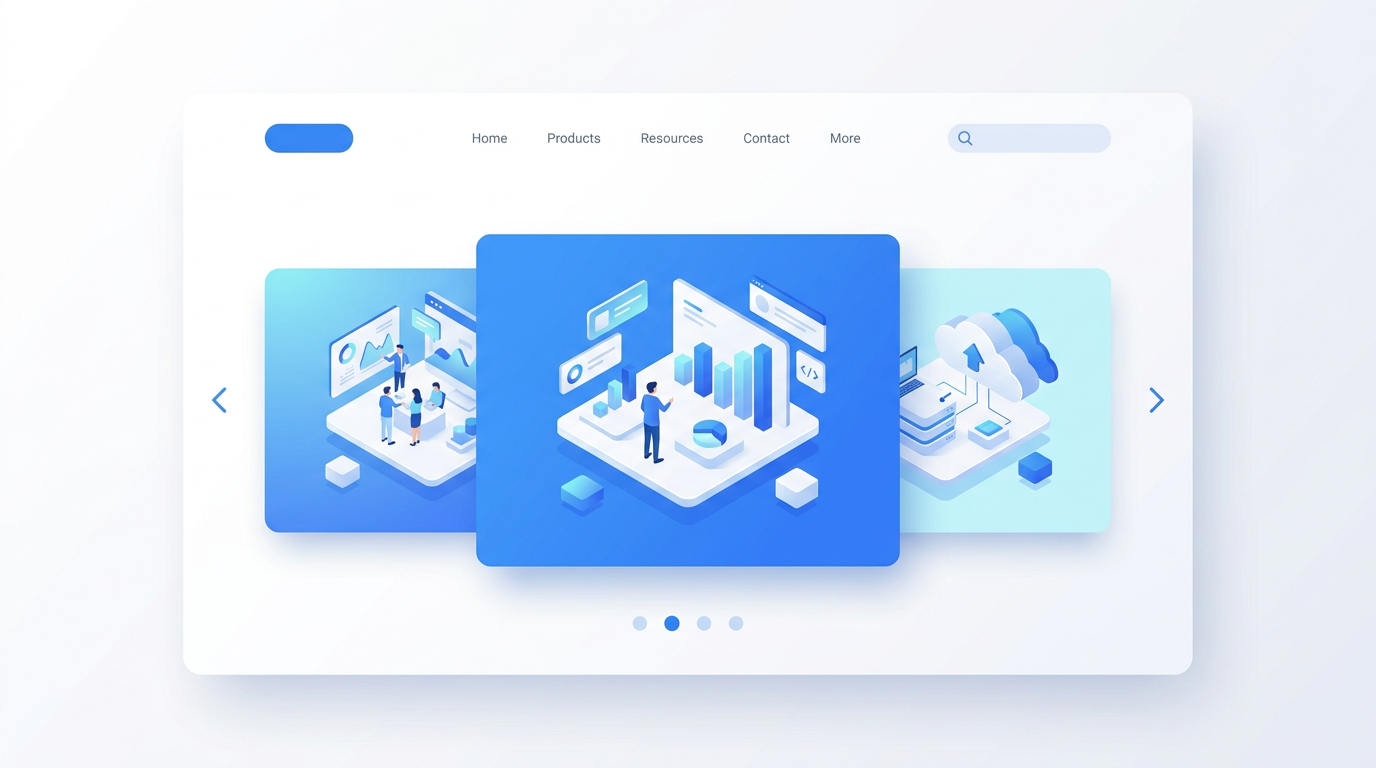
Syntech Slider for Creatio
Banner and announcement slider for Creatio Freedom UI pages: auto-play, navigation arrows and dots, color-coded announcement types, multiple sliders per page.
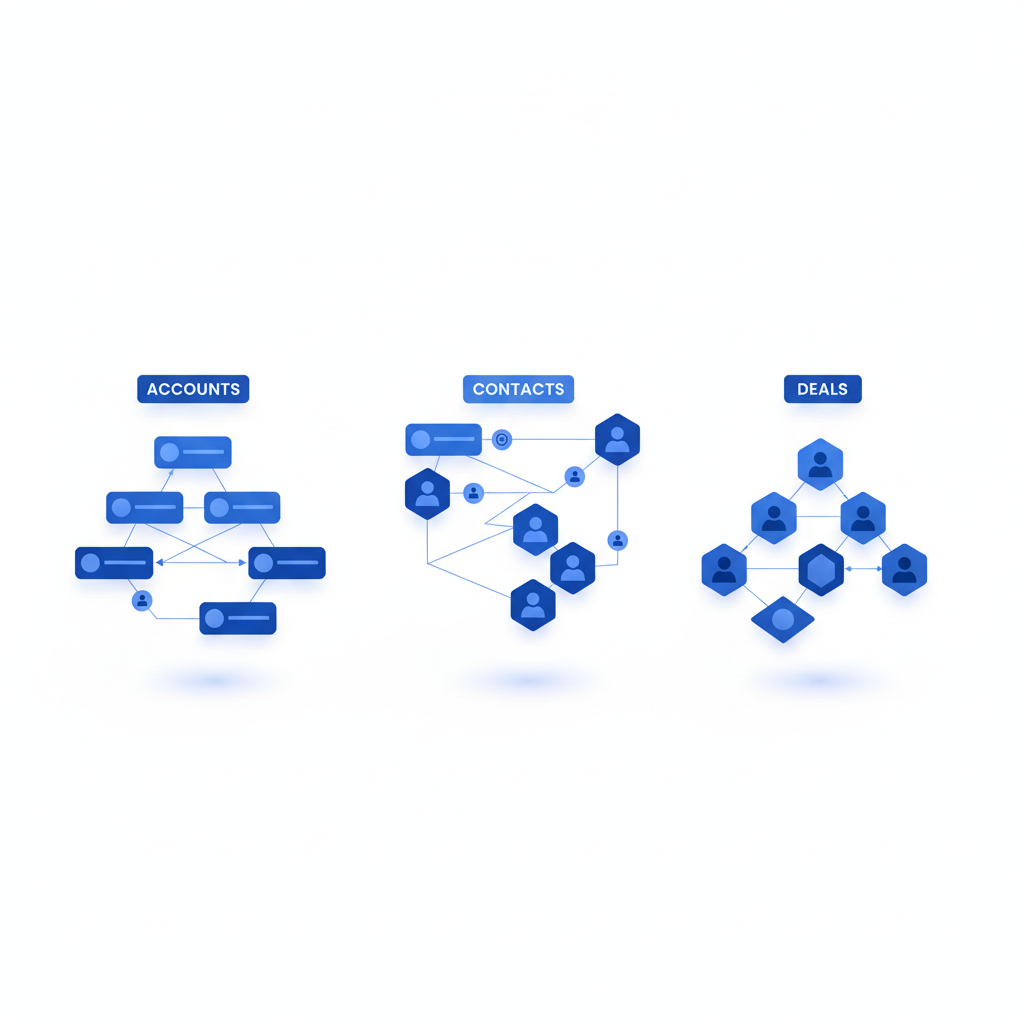
Syntech Relation Diagram for Creatio
Interactive relationship map on Creatio record pages: contacts, opportunities, contracts and activities as nodes, custom labeled edges, My Team mode, no-code editor.
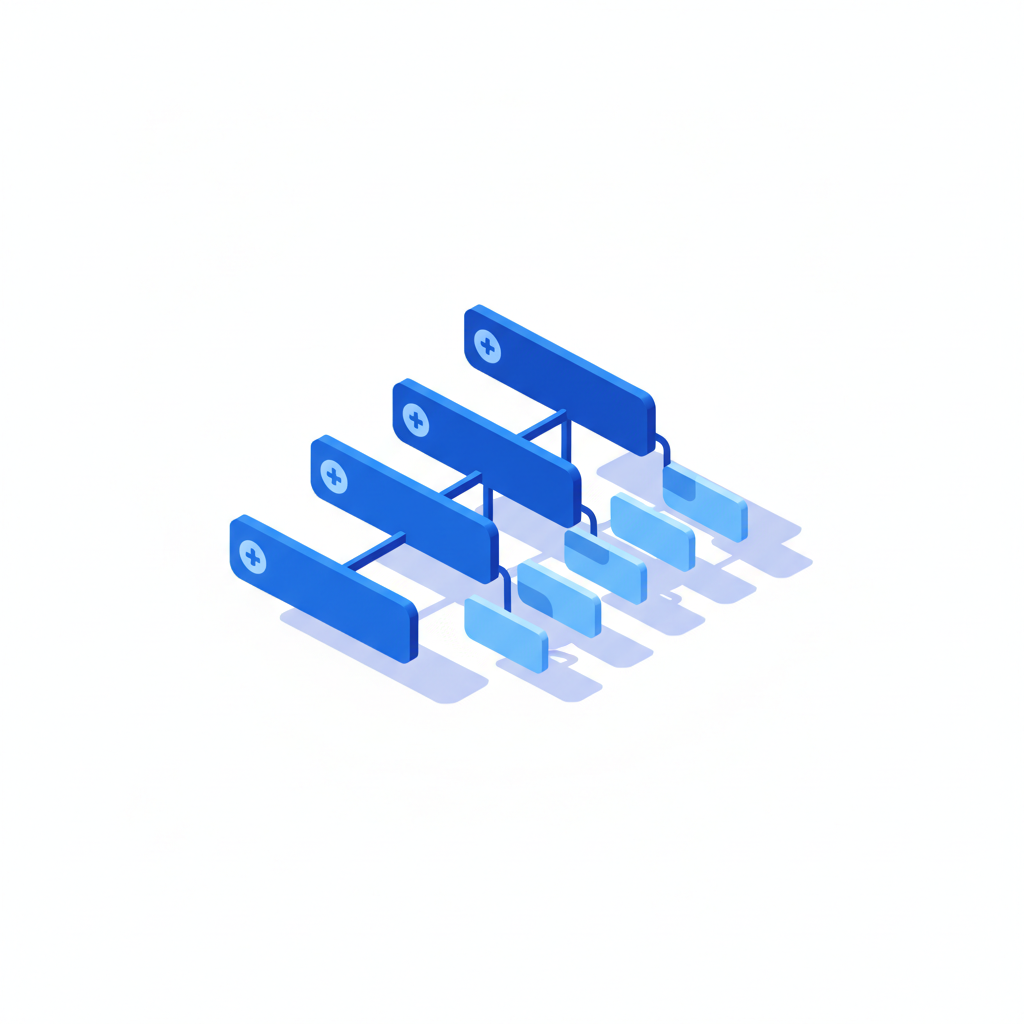
Hierarchy List View for Creatio
Multi-level tree view for Creatio Freedom UI: unlimited nesting across objects, inline editing, pinned and resizable columns, filters and no-code setup.
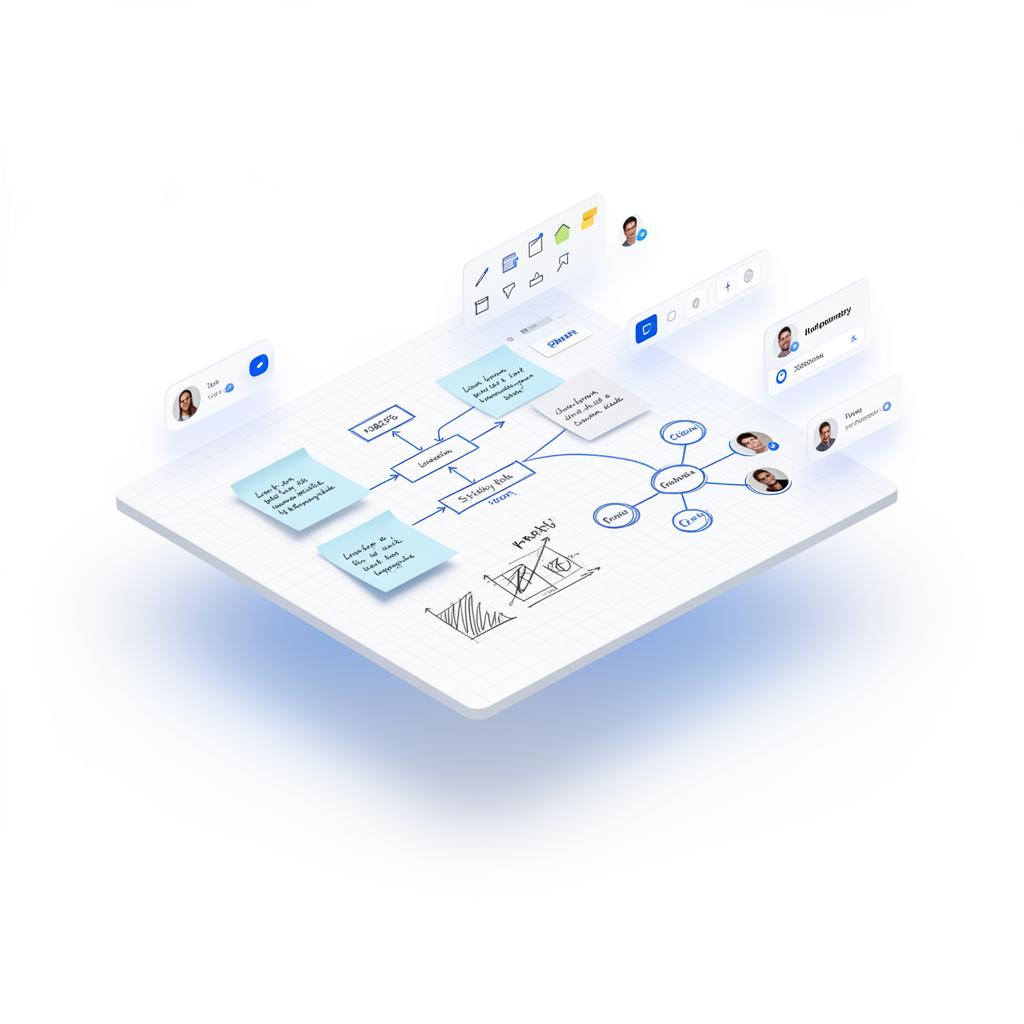
Syntech Whiteboard for Creatio
Collaborative whiteboard inside Creatio: boards on record pages, AI-built timelines, chat, screen recording with voice, process design and Kanban/mind map templates.
Frequently asked questions
Do we need a developer to install them?
A Creatio administrator installs the applications; configuration is done with the platform's no-code tools.
Related resources
Next step
15–30 minutes, no slide decks: we show the solution on your data and tell you if it fits.