
Syntech Tile View for Creatio
Gallery
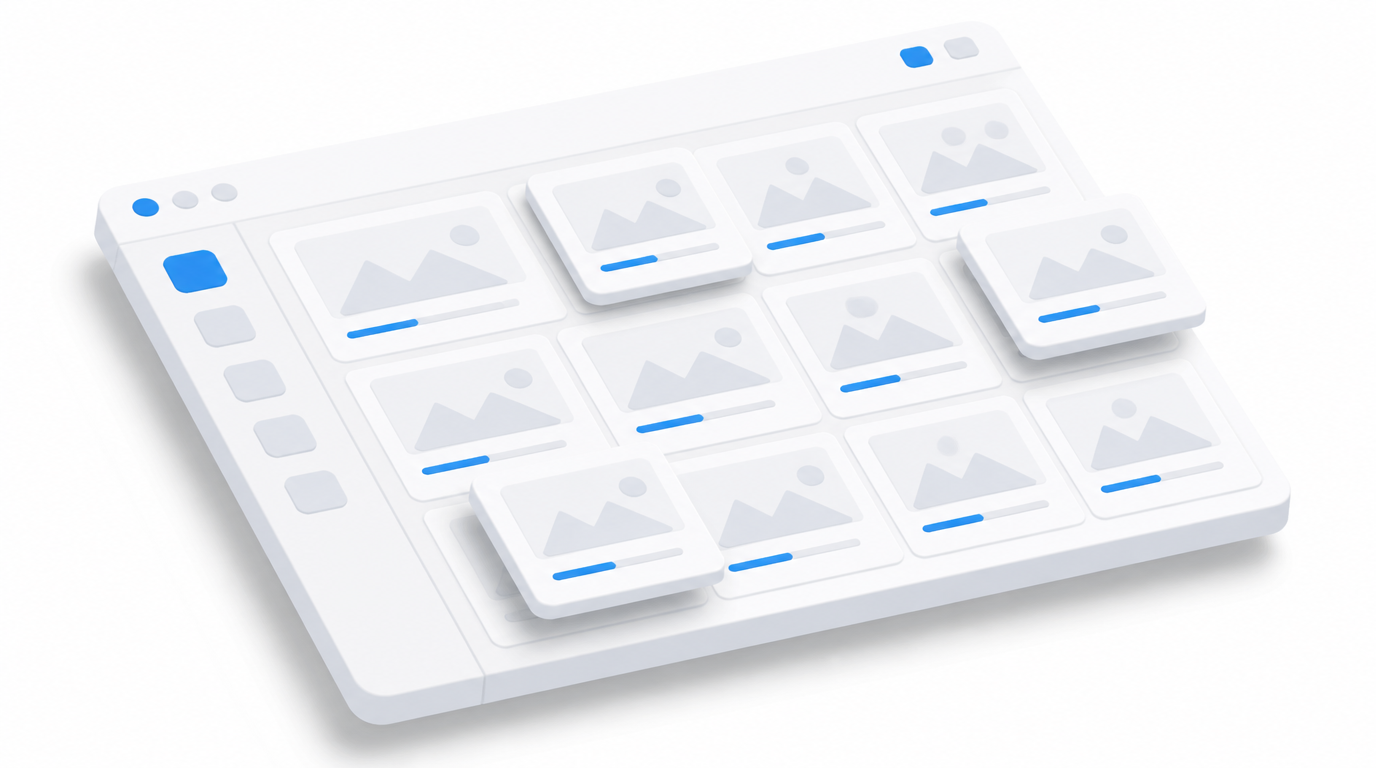
A no-code component that displays Creatio data as interactive tiles. Show fact, plan and achievement on KPI cards, drill down through hierarchy levels and open the underlying records — all in one widget.
Get it on Creatio Marketplace · Book a demo · Setup guide
| Platform | Creatio Freedom UI |
| Compatibility | Creatio 8.3.0 and up |
| Deployment | Cloud and on-site |
| Current version | 1.0.0 (September 2026) |
| Price | $1,200 per year (billed annually) |
| Trial | Available on Creatio Marketplace |
| Developer | SYNTECH, official Creatio partner |
What is Syntech Tile View?
Syntech Tile View turns performance data into navigable tiles: company → region → team → manager, for example. Each tile shows fact, plan and percentage achievement with green, yellow or red status. Click a tile to go one level deeper, use breadcrumbs to go back, and reach the actual records at the bottom level.
Key features
Drill-down KPI cards
Aggregated cards with fact, plan and % achievement grouped by a configurable hierarchy, with status colors, progress bars and breadcrumbs.
Records and feed at the lowest level
Open the underlying records of the current or a linked object, choose, reorder, resize and sort columns, and use the record feed to comment, @mention and attach files.
Configure per level, no code
Set the object, hierarchy levels, metrics, color thresholds, grid size, avatars and columns in the component. Settings are saved per element.
Use cases
| Team | Scenario | What they gain |
|---|---|---|
| Sales leadership | Plan vs fact by region and manager | Underperformers visible in two clicks |
| Operations | KPIs by site and team | Drill down to the cause |
| Catalog navigation | Records grouped by categories | Visual navigation instead of lists |
How to set it up
- Install the app from Creatio Marketplace.
- Add the component to a Freedom UI page.
- Define hierarchy levels, metrics and color thresholds.
- Configure columns for the record level.
Step-by-step instructions: Syntech Tile View setup guide.
Frequently asked questions
Can each level have different settings? Yes. Every hierarchy level is configured individually.
Can users comment on records from the tiles? Yes. At the lowest level, users can open a record's feed to post, comment, @mention and attach files.
Which Creatio versions does Syntech Tile View support? Creatio 8.3.0 and up.
Is it available for cloud and on-site Creatio? Yes. It supports both cloud and on-site deployments.
How much does Syntech Tile View cost? $1,200 per year, billed annually. See current pricing on Creatio Marketplace.
Is there a free trial? Yes, a trial is available through Creatio Marketplace.
Who provides support? SYNTECH, the developer of the app and an official Creatio partner. Contact support@syntech.digital.
Related
- Solution: Creatio UI & productivity
- Works well with: Syntech Pivot
- Academy: Tile View guide
- Article: Syntech Tile View for Creatio
Want to see it on your data? Book a 30-minute demo or open it on Creatio Marketplace.
Ready to Start?
Get this solution today and improve your business efficiency