
Syntech Map for Creatio
Gallery
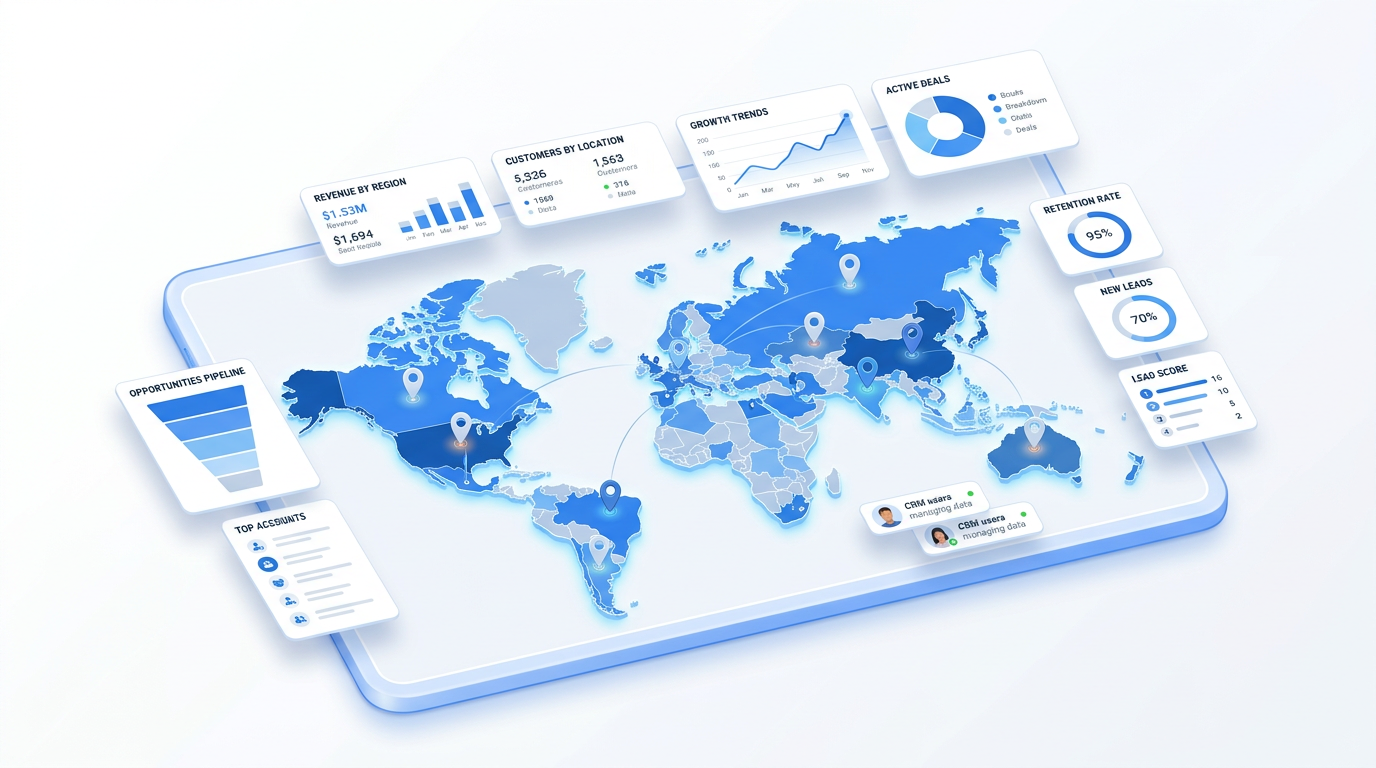
An interactive map for Creatio Freedom UI. Geocode addresses automatically, show records as markers or polygons, draw sales territories and visualize regional data as heatmaps — with a free tier to start.
Get it on Creatio Marketplace · Book a demo · Setup guide
| Platform | Creatio Freedom UI |
| Compatibility | Creatio 8.3.0 and up (version 1.4 for 8.3.4) |
| Deployment | Cloud and on-site |
| Current version | 1.4 (September 2026) |
| Price | Free tier; Full license $1,200 per year |
| Trial | Available on Creatio Marketplace |
| Developer | SYNTECH, official Creatio partner |
What is Syntech Map?
Syntech Map shows where your customers, stores, service points, deals or assets are. Field sales plan visits, service managers see coverage, and leadership compares regions — directly on Creatio data, without exporting addresses to external GIS tools.
The free license geocodes addresses and displays them as markers. The Full license loads data from any entity, draws territories, runs business processes and visualizes geographic data at scale.
Key features
Automatic geocoding
Convert addresses to coordinates using OpenStreetMap and display them with custom markers and popups.
Add addresses from the map
Click on the map to create an address and capture coordinates automatically.
Custom markers and popups
Choose popup columns, color markers by record data and open records from the marker title.
Live filter integration
The map follows quick filters and folders on the Freedom UI page and updates instantly.
Heatmap / choropleth
Color regions by aggregated values (sum, count, average, min, max) with 20+ GeoJSON presets for countries and regions.
Polygons and territory drawing
Render territories and service areas stored in text fields, or let users draw polygons that are passed to a business process for saving.
Use cases
| Team | Scenario | What they gain |
|---|---|---|
| Field sales | Customers and visit planning | Efficient routes and coverage |
| Service | Service zones and requests | See gaps in coverage |
| Retail / HoReCa | Trade points by region | Regional performance at a glance |
| Real estate | Plots and objects on a map | Location-based search |
How to set it up
- Install the app from Creatio Marketplace.
- Add the Map component to a Freedom UI page.
- Select the entity and address or coordinate fields.
- Configure markers, popups and, with the Full license, polygons and heatmaps.
Step-by-step instructions: Syntech Map setup guide.
Frequently asked questions
What is included in the free license? Address geocoding and displaying any address as a marker on the map.
What does the Full license add? Loading data from any entity, drawing territories, running business processes and visualizing geographic data at scale.
Which geocoding service is used? OpenStreetMap.
Which Creatio versions does Syntech Map support? Creatio 8.3.0 and up. The latest version 1.4 is released for Creatio 8.3.4.
Is it available for cloud and on-site Creatio? Yes. It supports both cloud and on-site deployments.
How much does Syntech Map cost? A free license is available. The Full license is $100 per month, billed annually ($1,200 per year).
Is there a free trial? Yes, a trial is available through Creatio Marketplace.
Who provides support? SYNTECH, the developer of the app and an official Creatio partner. Contact support@syntech.digital.
Related
- Solution: Creatio UI & productivity
- Works well with: Syntech Pivot
- Bundle: Syntech Components Pack — save 33% vs buying components separately
- Academy: Syntech Map video guide
Want to see it on your data? Book a 30-minute demo or open it on Creatio Marketplace.
Ready to Start?
Get this solution today and improve your business efficiency