
Hierarchy List View for Creatio
Gallery
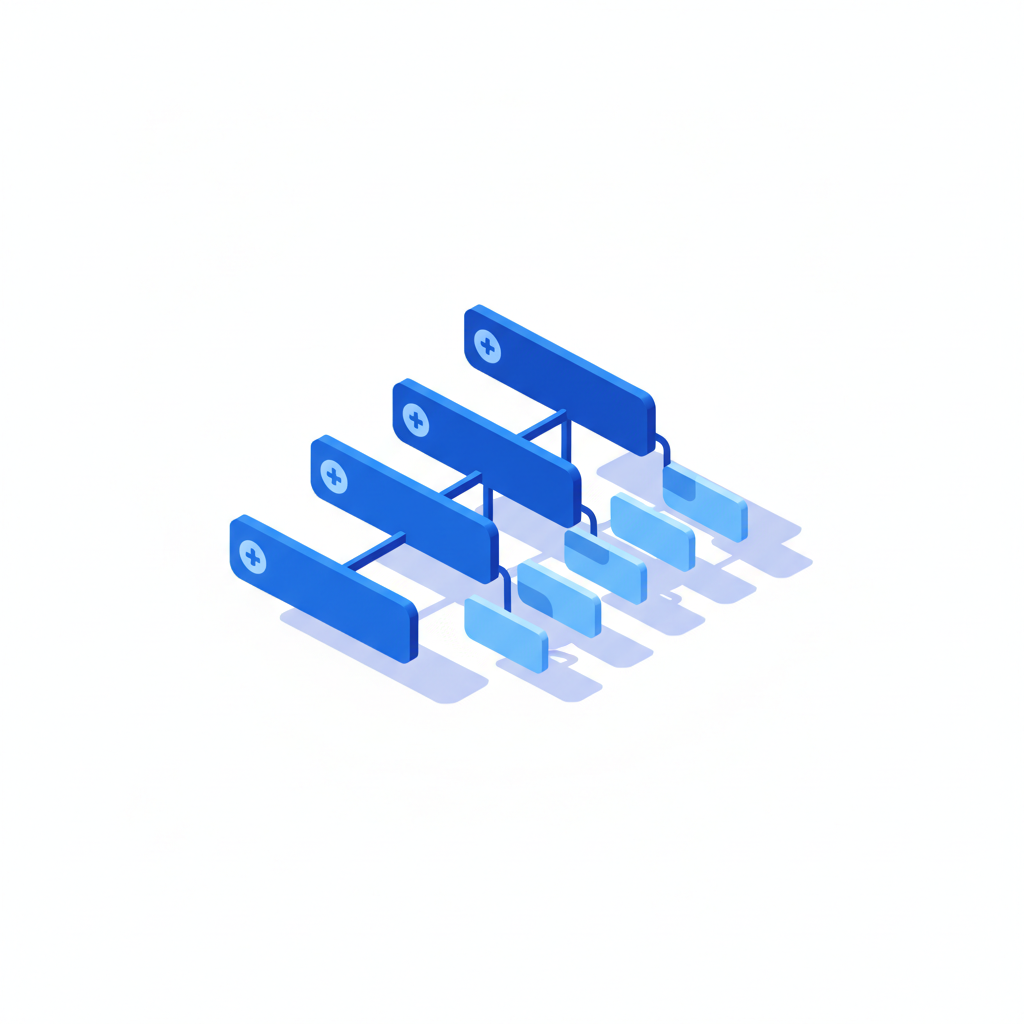
Interactive multi-level tree views on any Creatio Freedom UI page. Show accounts with nested contacts, projects with sub-projects and tasks, or any parent-child structure across objects — and edit data right in the grid.
Get it on Creatio Marketplace · Book a demo · Setup guide
| Platform | Creatio Freedom UI |
| Compatibility | Creatio 8.3.0 and up |
| Deployment | Cloud and on-site |
| Current version | 1.2.0 (August 2026) |
| Price | $1,200 per year (billed annually) |
| Trial | Available on Creatio Marketplace |
| Developer | SYNTECH, official Creatio partner |
What is Syntech Hierarchy List View?
Standard Creatio lists are flat. Real business data is not: holdings and subsidiaries, org structures, bills of materials, product categories, projects with phases and tasks. Syntech Hierarchy List View displays these structures as an expandable tree grid, so users navigate context instead of switching between tabs.
Key features
Unlimited nesting
Build hierarchies with any number of levels across multiple objects. Self-referential and cross-schema relationships load at any depth.
Simple setup
Select objects, pick columns and set parent fields in a visual panel — no scripting or deployment.
Inline editing
Edit text, numbers, dates and lookups with live search directly in the grid. Turn editing on or off with one checkbox.
Column control
Resize and pin columns, add filters. Settings are saved automatically.
Use cases
| Team | Scenario | What they gain |
|---|---|---|
| Sales | Holding structures with contacts | Full account context in one view |
| HR | Org structure | Departments and employees in a tree |
| Manufacturing | BOM and product categories | Clear multi-level structures |
| Projects | Projects, phases, tasks | Navigate without opening records |
How to set it up
- Install the app from Creatio Marketplace.
- Add the component to a Freedom UI page.
- Select objects and parent fields for each level.
- Choose columns, pin key ones and enable inline editing if needed.
Step-by-step instructions: Syntech Hierarchy List View setup guide.
Recent releases
- 1.2.0 (Aug 2026): see new version released
Frequently asked questions
Can levels come from different objects? Yes. For example, accounts at the first level and contacts or opportunities below.
Is inline editing mandatory? No. It can be enabled or disabled with one checkbox.
Which Creatio versions does Syntech Hierarchy List View support? Creatio 8.3.0 and up.
Is it available for cloud and on-site Creatio? Yes. It supports both cloud and on-site deployments.
How much does Syntech Hierarchy List View cost? $1,200 per year, billed annually. See current pricing on Creatio Marketplace.
Is there a free trial? Yes, a trial is available through Creatio Marketplace.
Who provides support? SYNTECH, the developer of the app and an official Creatio partner. Contact support@syntech.digital.
Related
- Solution: Creatio UI & productivity
- Works well with: Syntech Relation Diagram · Syntech To Do List
- Bundle: Syntech Components Pack — save 33% vs buying components separately
- Academy: Hierarchy List View guide
Want to see it on your data? Book a 30-minute demo or open it on Creatio Marketplace.
Ready to Start?
Get this solution today and improve your business efficiency