
Syntech Relation Diagram for Creatio
Gallery
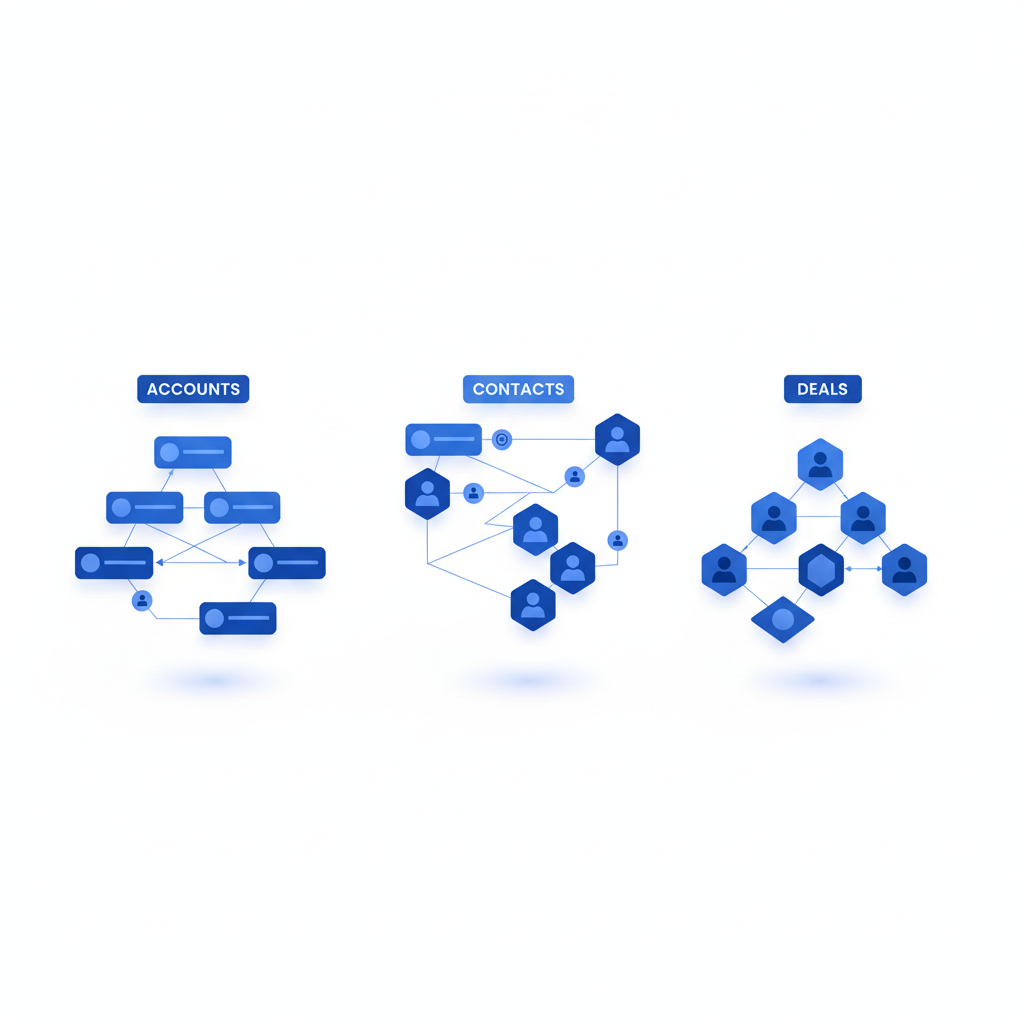
A visual relationship map for Creatio record pages. See every contact, opportunity, contract and activity connected to an account, contact or deal in one interactive diagram.
Get it on Creatio Marketplace · Book a demo · Setup guide
| Platform | Creatio Freedom UI |
| Compatibility | Creatio 8.3.0 and up |
| Deployment | Cloud and on-site |
| Current version | 1.3.0 (August 2026) |
| Price | $1,200 per year (billed annually) |
| Trial | Available on Creatio Marketplace |
| Developer | SYNTECH, official Creatio partner |
What is Syntech Relation Diagram?
In B2B sales, the answer to 'who influences this deal?' is spread across a dozen related tabs. Syntech Relation Diagram maps related records automatically on the record page, so sales teams see decision makers, contracts and ongoing activities at a glance, and managers get a bird's-eye view of an account ecosystem to spot gaps and risks.
Key features
Full Diagram and My Team modes
Switch between the complete network of related records and a focused view of relationships, activities and opportunities owned by your team.
Account ecosystem in one view
Contacts, deals and contracts mapped interactively without switching tabs.
Custom relationship maps
Connect any two entities with a labeled edge and define how your business objects relate.
Details on each node
Job title, phone, customer type and other key data displayed directly on nodes.
Visual editor
Guided tabs let an admin configure entities, layouts and display rules without a developer.
Your data, your rules
Choose tracked entities, columns, colors, icons and labels per entity type.
Use cases
| Team | Scenario | What they gain |
|---|---|---|
| Key account managers | Stakeholder map of an account | Decision makers and gaps visible |
| Sales leadership | Deal reviews | Risk of single-threaded deals |
| Service | Contracts and contacts per client | Faster context before a call |
How to set it up
- Install the app from Creatio Marketplace.
- Add the component to an account, contact or opportunity page.
- Choose entities and relationships in the visual editor.
- Set colors, icons and node fields.
Step-by-step instructions: Syntech Relation Diagram setup guide.
Frequently asked questions
Which records can be shown? Any Creatio entities you configure — typically contacts, opportunities, contracts and activities.
Do I need a developer? No. The built-in visual editor covers setup.
Which Creatio versions does Syntech Relation Diagram support? Creatio 8.3.0 and up.
Is it available for cloud and on-site Creatio? Yes. It supports both cloud and on-site deployments.
How much does Syntech Relation Diagram cost? $1,200 per year, billed annually. See current pricing on Creatio Marketplace.
Is there a free trial? Yes, a trial is available through Creatio Marketplace.
Who provides support? SYNTECH, the developer of the app and an official Creatio partner. Contact support@syntech.digital.
Related
- Solution: Creatio UI & productivity
- Works well with: Syntech Hierarchy List View
- Bundle: Syntech Components Pack — save 33% vs buying components separately
- Academy: Relation Diagram guide
Want to see it on your data? Book a 30-minute demo or open it on Creatio Marketplace.
Ready to Start?
Get this solution today and improve your business efficiency