
 Production
Syntech To Do List for Creatio - no-code hierarchical task manager
Modern B2B teams don't fail from lack of tools. They fail because their tools aren't connected.
Project management
Kanban, Gantt, scheduler and tasks — inside Creatio, without a separate task tracker.
A salesperson closing a deal works in a CRM, on a project board, in a messenger, in a spreadsheet, and in their own notebook. A support agent switches between cases, a knowledge base, and a ticketing system. Operational checklists live in one application. Onboarding processes — in another. Compliance steps - in a spreadsheet managed by one person and copied by three.
This is not a productivity problem. It's a structural problem.
And it is precisely to solve this problem that Syntech To Do List for Creatio was created.
What is Syntech To Do List for Creatio?
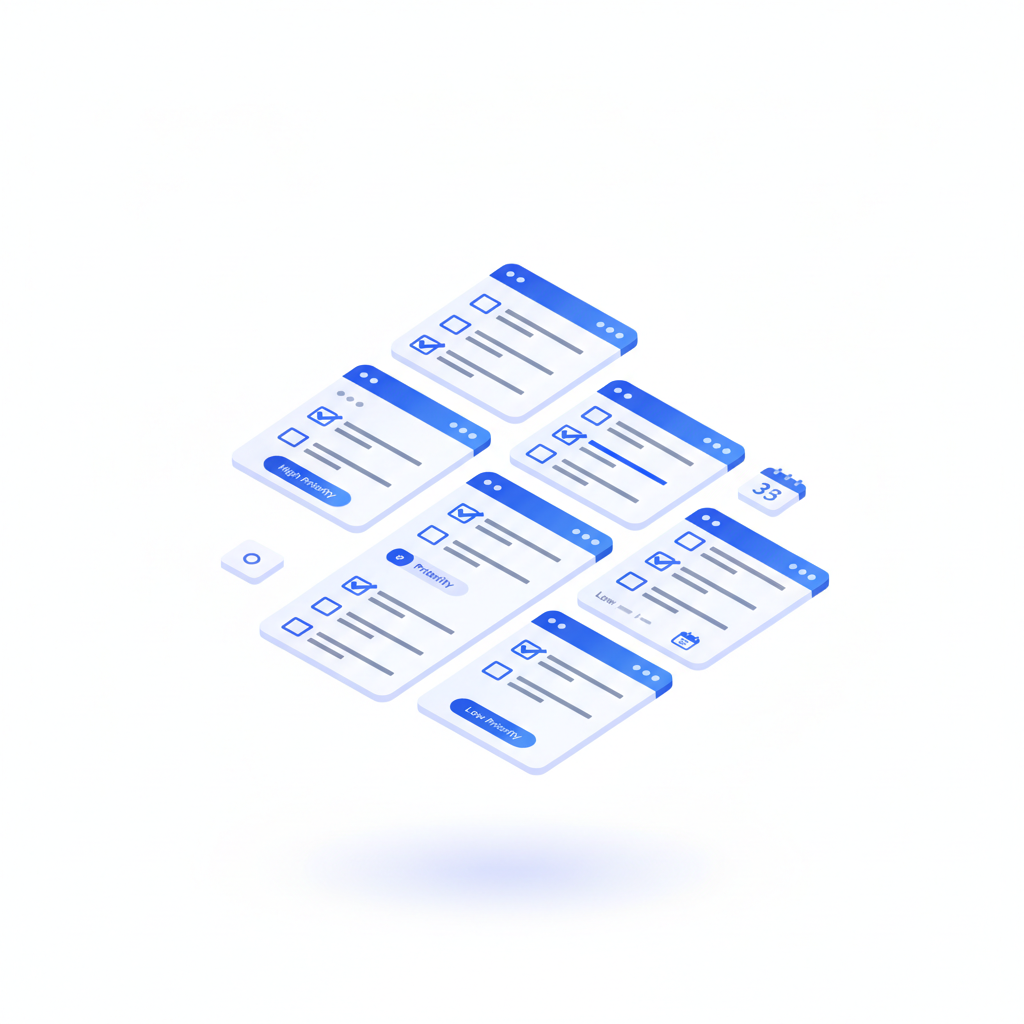
Syntech To Do List for Creatio is a Freedom UI component that adds a built-in configurable record manager to any Creatio page: record forms, sections, or dashboards. It connects to any Creatio entity object via no-code configuration and transforms standard data into an interactive hierarchical checklist with priorities, assignees, deadlines, projects, and progress tracking.
Published on Creatio Marketplace on May 15, 2026, the component is compatible with Creatio 8.3.2 and supports cloud and on-premise deployment.
In simple terms: it allows your team to manage tasks where work already happens — inside the system that stores customer, deal, case, and project data.
The hidden cost of fragmented task management
When operational processes live outside the CRM, four things break at scale:
Visibility disappears. Managers can't see who is responsible for what without querying three platforms.
Accountability blurs. Tasks tracked in third-party tools are never linked to the deal, case, or contact they belong to.
Context is lost in transfer. Each status update requires copying, retyping, or rephrasing.
Adoption fails. Managers and agents return to spreadsheets as soon as the “official” tool creates friction.
For service companies, professional consultancies, and any team running structured operations based on customer data, this fragmentation isn't minor inefficiency. It's lost margin on every project, every contract renewal, every escalation.
The solution isn't another separate task application. The solution is task management built directly into the system of record.
Five features that make it special
1. No-code configuration via admin panel
Connect the component to any Creatio entity object without writing a single line of code. The built-in admin panel provides field mapping for name, parent, priority, status, deadline, assignee, and additional columns — all via dropdown selectors.
Admins configure. Users use. No development cycles. No backlog dependency.
2. Hierarchical management with unlimited nesting
Break down tasks into subtasks with unlimited nesting depth. Each parent node shows a completion counter and a real-time progress bar. Expand, collapse, and navigate the tree using hotkeys or the mouse — as convenient for the user.
This is not a flat checklist. It's a structured execution tree that reflects the real decomposition of work.
3. Connect to any entity. Instantly.
Activities. Leads. Opportunities. Cases. Custom objects.
The widget automatically finds fields, maps parent-child relationships, and builds a live task tree from any selected schema. Setup takes 30 seconds — not 30 minutes, not “several weeks of development”.
4. Built-in where work is already happening
The component is embedded directly into any Freedom UI page alongside the data your team uses daily. No new tab. No new login. No “I'll check in the other system now”.
Tasks live next to the record they belong to.
5. Priority, assignee, deadline — all inline
Set priority, assign team members with avatar previews, and choose deadlines without leaving the task row. Overdue items are highlighted automatically so nothing gets lost.
Editing at the speed of thought, not at the speed of forms.
Six ways to use it
Sales departments attach task checklists to Opportunities and Leads to track deal steps — proposal sent, contract reviewed, security review scheduled, kickoff confirmed. Each step lives on the record, visible to everyone working on the deal.
Support teams embed subtask trees on Cases pages to break down resolution steps into manageable parts. Complex tickets stop disappearing into agents' inboxes.
Project managers activate Projects mode to organize work across multiple initiatives on a single dashboard. Cross-project visibility without leaving Creatio.
HR teams create structured onboarding checklists on Contact or Employee records. Every new employee gets the same framework. Every manager sees real-time progress.
Operations and compliance teams link the component to any custom object to track approvals, inspections, audits, or compliance steps hierarchically. Multi-stage processes become trackable, auditable, and assignable.
Personal productivity: add To Do List to your Creatio home page as a personal planner with priorities and deadlines. The same tool you use for client work becomes your personal command center.
Why this matters in 2026
Two trends define operational software this year:
Tool consolidation. SaaS budgets are under pressure. Purchasing departments are cutting redundant tools. Solutions that replace the functionality of three separate applications with one license win.
Embedded operations. The clearest sign of mature B2B software in 2026 — operational processes happen inside the system of record, not in third-party tools that “integrate” with it. Integration is friction. Embeddedness is invisibility.
Syntech To Do List stands at the exact intersection of both trends. It removes the need for a separate task management tool and places execution where customer data already lives.
Frequently Asked Questions
Can Syntech To Do List be embedded into custom Creatio objects?
Yes. The component connects to any Creatio entity object — standard or custom — via no-code field mapping in the admin panel.
Is development required for setup?
No. Setup is entirely no-code. Admins map fields via dropdown selectors. Configuration takes approximately 30 seconds.
Are unlimited nested subtasks supported?
Yes. Nesting depth is unlimited. Each parent task shows a completion counter and a progress bar for child elements.
Is the component compatible with older Creatio versions? The component is compatible with Creatio 8.3.2.
Can it replace external task tools — Asana, Trello, ClickUp?
For teams working in Creatio — yes, for any process where tasks need to be linked to a customer, deal, case, or project. It eliminates switching between systems; you work in one system.
Where is Syntech To Do List for Creatio available?
Currently available on the official Creatio Marketplace.
Try it on Creatio Marketplace
Install Syntech To Do List for Creatio today on Creatio Marketplace or contact the SYNTECH team for a demonstration with your data.
→ View on Creatio Marketplace: https://marketplace.creatio.com/app/syntech-do-list-creatio → Support: support@syntech.digital
Next step
See a live board demo
15–30 minutes, no slide decks: we show the solution on your data and tell you if it fits.