
 Production
Syntech Tile View for Creatio
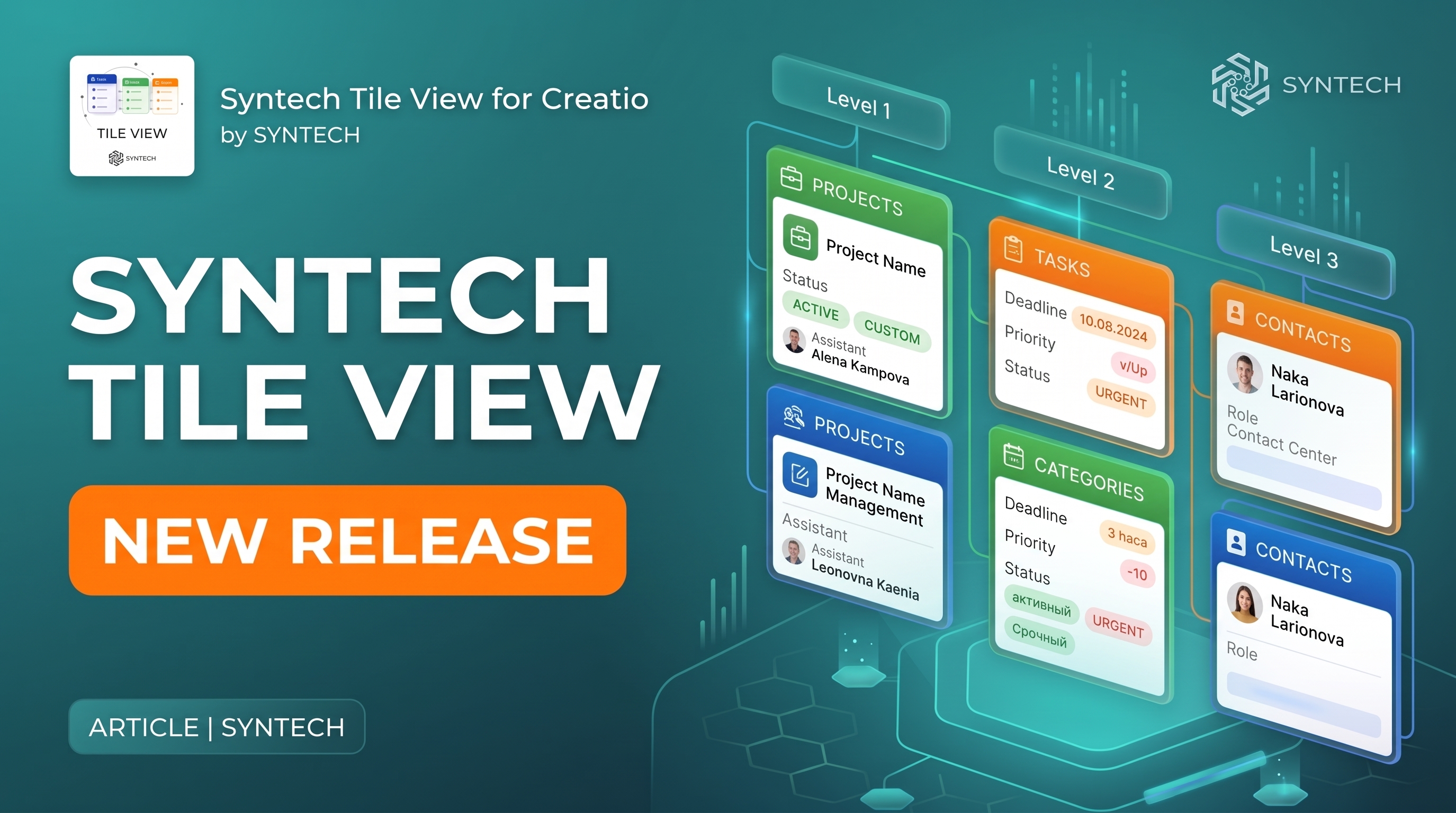
SYNTECH released Syntech Tile View for Creatio - a no-code component that displays Creatio records as interactive tiles.
Sales & CRM automation
Pipeline, customers, operations and analytics driven by processes, not spreadsheets.
The component allows you to visually organize data, group records by categories, and navigate between multiple levels of hierarchy. It is available on Creatio Marketplace as a paid component for Freedom UI and is compatible with Creatio 8.3.0 and newer versions.
KPI cards with drill-down
Aggregated KPI cards show actual, plan, and percentage of completion, grouped by a customizable hierarchy.
Green, yellow, and red statuses and progress indicators provide an instant overview. By clicking on a card, the user can go to the next level, and use breadcrumbs to go back.
Contextually filtered records, columns, and feed
At the lowest level of the hierarchy, basic records of the current object or a related detail object are opened.
Users can:
select columns;
reorder columns by dragging;
change column width;
sort records;
open record feed;
publish updates;
comment;
@mention colleagues;
add files.
Adding to any section and customizing each level
Syntech Tile View can be added to any section. No code is needed: the object, hierarchy levels, metrics, color thresholds, grid size, avatars, and columns are configured directly in the component.
Each level can be configured separately. Settings are saved for each element, so the same widget can be used in any section.
Next step
Get a 30-minute automation assessment
15–30 minutes, no slide decks: we show the solution on your data and tell you if it fits.