
 Production
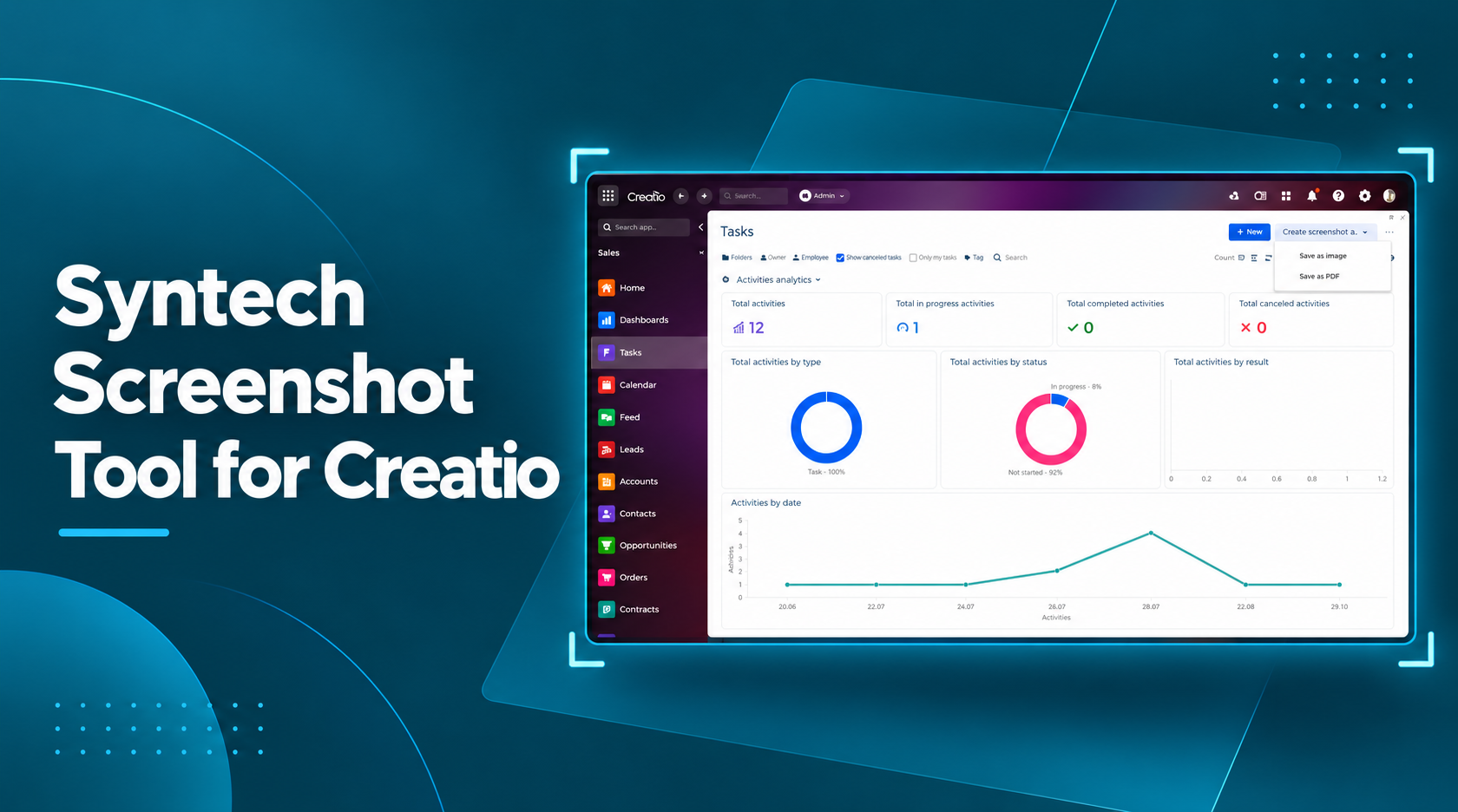
Syntech Screenshot Tool for Creatio
We have released a new application on Creatio Marketplace - Syntech Screenshot Tool for Creatio.
Sales & CRM automation
Pipeline, customers, operations and analytics driven by processes, not spreadsheets.
This is a Freedom UI add-on that allows you to take screenshots of homepage and dashboard pages directly from the Creatio interface. No more switching to third-party applications, installing browser extensions, or manually editing images.
What problem does the application solve?
In daily work with Creatio, there is often a need to quickly capture the current state of a homepage or dashboard - for a report, presentation, colleague training, or to convey information to stakeholders.
Previously, this required using external tools, which took time and complicated the process. Syntech Screenshot Tool eliminates these unnecessary steps.
What the application can do
Take screenshots of homepage and dashboard pages directly within Creatio
Export the result in two convenient formats: - JPG - a lightweight file for quick sharing - Multi-page PDF - for printing, archiving, and more formal documents
Create ready-to-use visuals for presentations, reports, documentation, and training materials
The application interface is intuitive and requires no additional training. This significantly speeds up the preparation of visual materials and reduces the number of routine actions.
Who can benefit from this?
The application will be useful for:
managers and executives who need to quickly share up-to-date dashboards
analysts and reporting specialists
those who prepare training materials and instructions
teams that regularly present work results to stakeholders
How to install
Open Creatio Marketplace
Find the application Syntech Screenshot Tool for Creatio
Install it in your environment
The application is ready to use immediately after installation.
We welcome your feedback and reviews. If you have any questions or suggestions for the development of the tool - please write to us.
Next step
Get a 30-minute automation assessment
15–30 minutes, no slide decks: we show the solution on your data and tell you if it fits.