
 CRM
MES to ERP Integrators Without System Replacement: How to Choose
Quick Answer
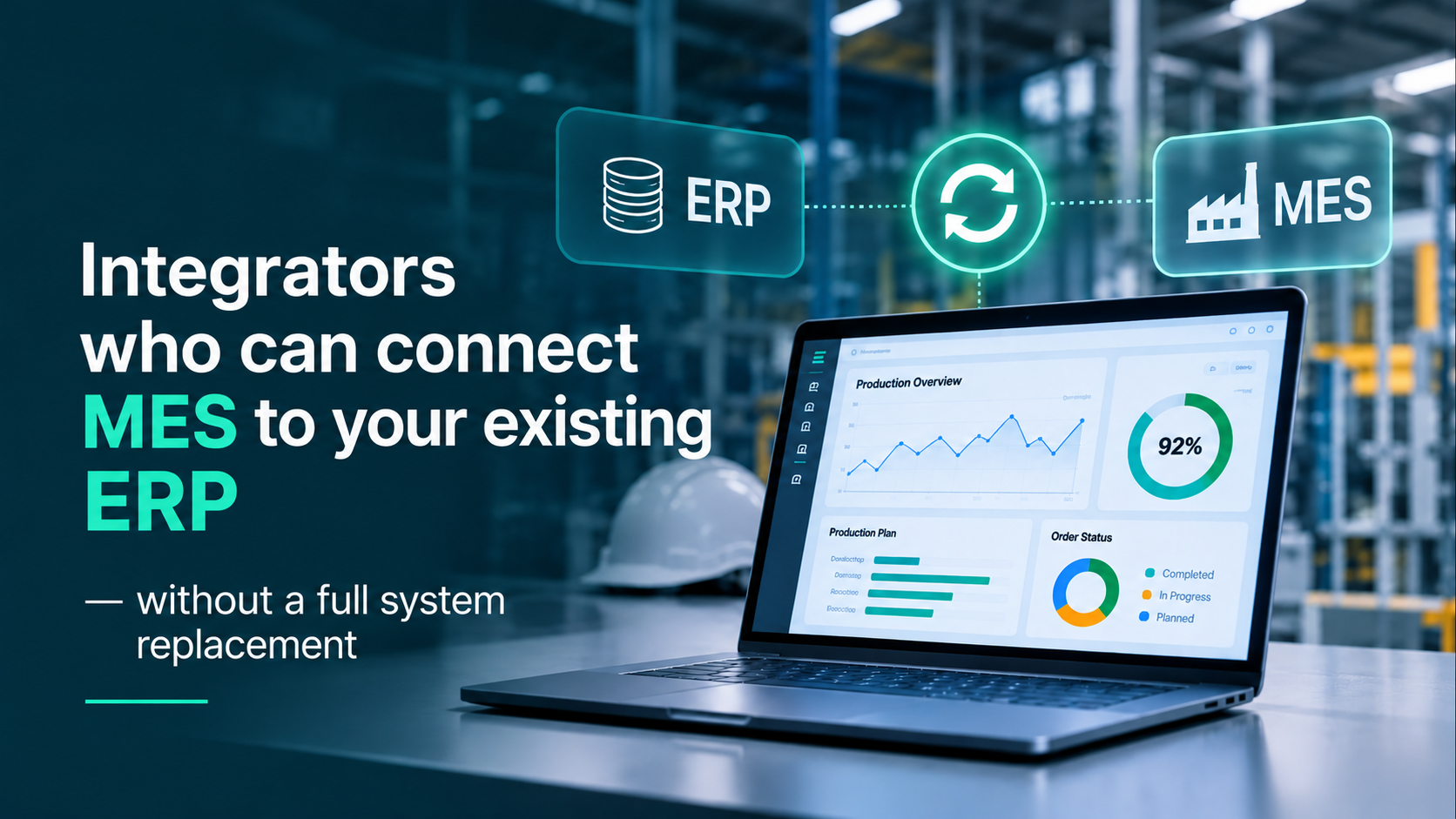
You can connect an MES to an existing ERP without replacing it if the ERP remains the accounting system and the MES manages execution on the shop floor. Choose an integrator who first describes what data is transferred, in which direction, and how discrepancies are resolved, and only then proposes a technology. For defense manufacturing, add perimeter and serial traceability requirements.
Sales & CRM automation
Pipeline, customers, operations and analytics driven by processes, not spreadsheets.
Why Replace ERP When the Problem Is on the Shop Floor
ERP is responsible for money, procurement, and accounting, while MES is responsible for what happens on the shop floor. These are different questions, and different systems should answer them.
ERP knows how much material costs and what has been ordered. MES knows which operation is currently running, under which BOM revision, who is performing it, and which batch the component was taken from.
Replacing ERP for the sake of MES means migrating accounting, finances, and procurement along with risks for the entire enterprise. Meanwhile, the shop floor gap can be closed with an integration.
Replacing ERP is justified when the ERP itself has hit a dead end: support has ended or the system cannot be extended. A lack of shop floor data is not such a reason.
What Exactly Is Transferred Between ERP and MES
Integration is not “data exchange in general,” but several specific entities, each having an owner. The owner is defined by the enterprise, not the integrator.
Items and master catalogs. Owner: ERP. Direction: ERP → MES, on change. What breaks if out of sync: two versions of the same catalog.
Bills of materials (BOM) and revisions. Owner: Design Bureau or PLM, or MES. Direction: → MES, upon revision release. What breaks: the shop floor assembles according to an outdated revision.
Production orders and plans. Owner: ERP or MES (enterprise decision). Direction: bidirectional, daily or event-driven. What breaks: promised delivery date does not account for materials and capacity.
Warehouse: stock balances and movements. Owner: ERP (accounting) and MES (bins, batches). Direction: bidirectional, event-driven. What breaks: book inventory and physical stock do not match.
Actual production: output, scrap, time. Owner: MES. Direction: MES → ERP, after operation completion. What breaks: cost calculation is based on plan rather than actual data.
Contracts, advances, delivery schedules. Owner: ERP or accounting system. Direction: ERP → MES, upon changes. What breaks: shipment without an acceptance certificate or without an advance payment.
Three Connection Methods
The method matters less than what happens when the exchange fails.
Direct API or web service. One system calls the other. Pros: near real-time data. Risks: requires an API in the ERP, version dependency.
Scheduled file exchange (XML, CSV, Excel). One system exports a file, the other picks it up. Pros: no API required, easy start. Risks: latency, format errors, manual actions; nightly sync silently breaking.
Middleware (integration bus). A standalone component between systems. Pros: logging, retry mechanism, format transformation. Risk: yet another component to maintain.
Regardless of the method, the integration must include three things: an error log, retry functionality, and reconciliation that reveals discrepancies between systems before the shop floor notices them.
How to Choose an Integrator: 8 Questions
Ask these questions before receiving a commercial proposal. A good answer is specific; a bad one starts with “we integrate with everything.”
Which data entities will you transfer and who is the owner of each? Ask for a table similar to the one above.
What happens when the exchange fails? There must be logging, retries, alerts, and manual reconciliation.
Which version of our ERP have you already worked with, and using which method? Ask for an explanation with an example.
Who supports the integration after go-live? And what happens when ERP or MES is updated.
Where does the data exchange run, and are external services required? For defense manufacturing, this is a perimeter issue.
What will be the first real exchange? Ask for a pilot on a single order, not a plant-wide rollout all at once.
What needs to be changed in our ERP? A good answer: minimal, or ideally nothing.
What will we be able to change ourselves? Fields, rules, reports: without calling a vendor for every tweak.
Defense Manufacturing: What Changes in Integration
Additional requirements concern where the data resides and what exactly it must prove.
Contract as a data entity. A state contract includes delivery schedules, advance payments, and acceptance certificates. ERP tracks money, while manufacturing must know which delivery milestone an order is running for.
Serial traceability. A serial number must link the BOM revision, component batches with vendor certificates, routing operations, the acceptance certificate, and shipment. Integration must not break this chain at system boundaries.
Perimeter. Where the exchange runs matters. If the system is deployed within your perimeter (on-prem or private cloud), the integration layer must not require external services.
Security. Security authorization under Resolution of the CMU No. 712 is completed by the system owner. Evidence base is required from the vendor and integrator.
Export control. Licenses, end users, and pre-shipment checks: this is data ERP may not have.
Data minimization. Only necessary data should be transferred between systems, explicitly defining what never leaves the perimeter.
What We Do at Syntech Manufacturing, and What We Don’t
Syntech Manufacturing is an MES/MRP system built on the Creatio platform. Sales, contracts, production, warehouse, and quality reside in a single database, eliminating the need for a connector between CRM and MES.
What is included:
a production order is linked to its contract, and a serial number is linked to its acceptance certificate;
BOM and routing revisions with side-by-side comparison and engineering change orders with approval workflows, CAD/PDM import;
on-prem or private cloud deployment, with the manufacturing perimeter operating without external services;
enterprise administrators can independently configure fields, processes, permissions, and reports (Creatio low-code);
benchmarked against the requirements matrix for Ukrainian defense manufacturing: out of 29 business requirements, 27 are fully covered, 2 are not covered, and we clearly state which ones.
What is not included:
accounting remains in your accounting system. The module tracks advances, their offset against shipments, and order-level costs, but does not replace accounting;
no state secret clearance registry;
no integration with defense marketplaces, including DOT-Chain Defence;
the product holds no certifications: it is built to meet the requirements of Ukrainian defense manufacturing, which is not the same as being certified;
a qualified electronic signature requires an external provider.
How we connect to your ERP: accounting remains in your accounting system, while Syntech Manufacturing tracks advance payments, their offset via shipments, and order expenses. The exchange method (API, files, or middleware) depends on your ERP: we align data entities, directions, and owners according to the list above. Tell us your ERP during the demo, and we will tell you what can be connected immediately and what requires custom development.
Bring a state contract and a single serial number: during the demo, we will trace them from delivery schedule to acceptance certificate, license check, and evidence package. And we will show the two matrix lines that the product does not cover.
Common Mistakes
Starting with technology instead of the list of entities and data owners. Table first, API or files later.
Nightly exchange without reconciliation. A failure is noticed only after an order has already drifted out of sync between systems.
Two “master” item catalogs. One owner, one copy.
Integration without an internal owner. After go-live, no one knows what or how to change.
Plant-wide rollout all at once. It is safer to start with one order and one serial number.
Sending too much data outside the perimeter (for defense manufacturing). Transfer only what is necessary.
Questions & Answers
Can an MES be connected to an ERP without replacing the ERP? Yes. ERP remains the accounting system, and MES manages execution. To do this, you need to define the owner of each data entity and the exchange method.
How long does it take? There is no standard timeline: it depends on the number of entities and whether an API exists in the ERP. Ask for a pilot on a single order and evaluate the result.
Is a cloud required for integration? No. For defense manufacturing, it is typically essential that data exchange operates within your own perimeter. Syntech Manufacturing deploys on-prem or in a private cloud.
Does Syntech Manufacturing replace an accounting system? No. The module tracks advances and order costs, but accounting remains in your system.
Does the product have certification? No. It is built to meet the requirements of Ukrainian defense manufacturing, but that is not the same as being certified. Compliance of your system is evaluated by its owner.
Book a Demo
Book a demo of Syntech Manufacturing: bring your state contract and a single serial number, and we will also show what the product does not do. Registration and more details about the system via the link
Next step
Get a 30-minute automation assessment
15–30 minutes, no slide decks: we show the solution on your data and tell you if it fits.