
 News
NewsSyntech Kanban View Update
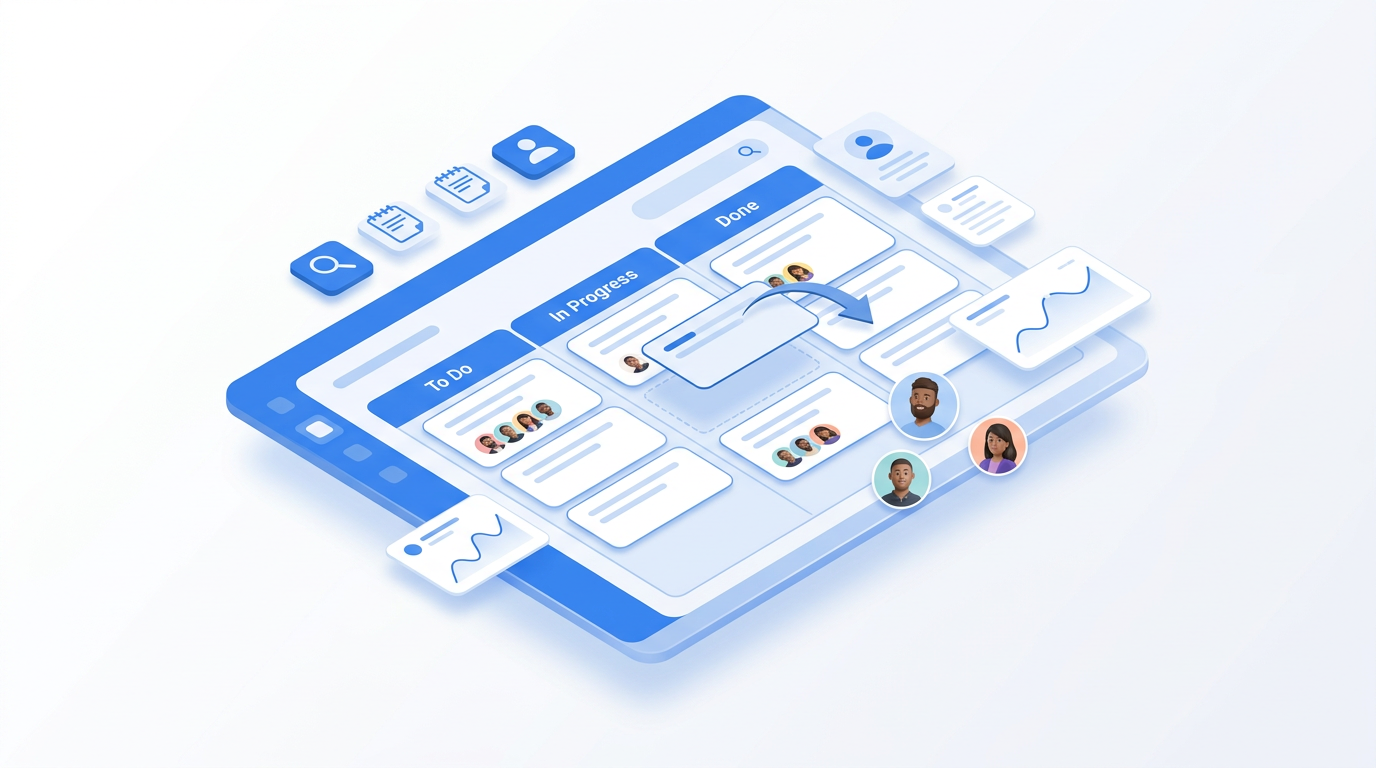
Syntech Kanban View for Creatio has been updated. The update focuses on three areas that directly impact daily board operations: card positioning, subtask visibility, and card customization.
Project management
Kanban, Gantt, scheduler and tasks — inside Creatio, without a separate task tracker.
1. Flexible Card Positioning
Previously, new cards could only be added to the end of a column, which meant manually reordering them afterwards to reflect the correct sequence.
Thanks to the new “Card Position” parameter, cards can now be added before or between existing entries at the time of creation – without the extra reordering step.
2. Subtasks Visible on the Card
The new subtask list displays the card's subtasks directly on the card itself, without opening the record. This reduces the number of clicks needed to assess the status of work across the entire board.
3. Card Layout Builder
The Card Layout Builder allows users to customize the appearance of the card without developer involvement – it's a no-code way to customize the card's structure, which previously required technical resources.
4. Cleaner Display of DCM Versions
The update also refines how Dynamic Case Management (DCM) versions are displayed: now only actual DCM versions are shown, reducing interface clutter.
Compatibility.
Kanban View is compatible with Creatio 8.3.0 and newer versions.
About the App
Kanban View is currently a trending app on Creatio Marketplace, developed by Syntech - an official Creatio partner who has published 26 apps on the Marketplace.
Do you have questions about the update or are you interested in a step-by-step overview? Contact us at info@syntech.digital.
Next step
See a live board demo
15–30 minutes, no slide decks: we show the solution on your data and tell you if it fits.