
Syntech Approval List for Creatio
Gallery
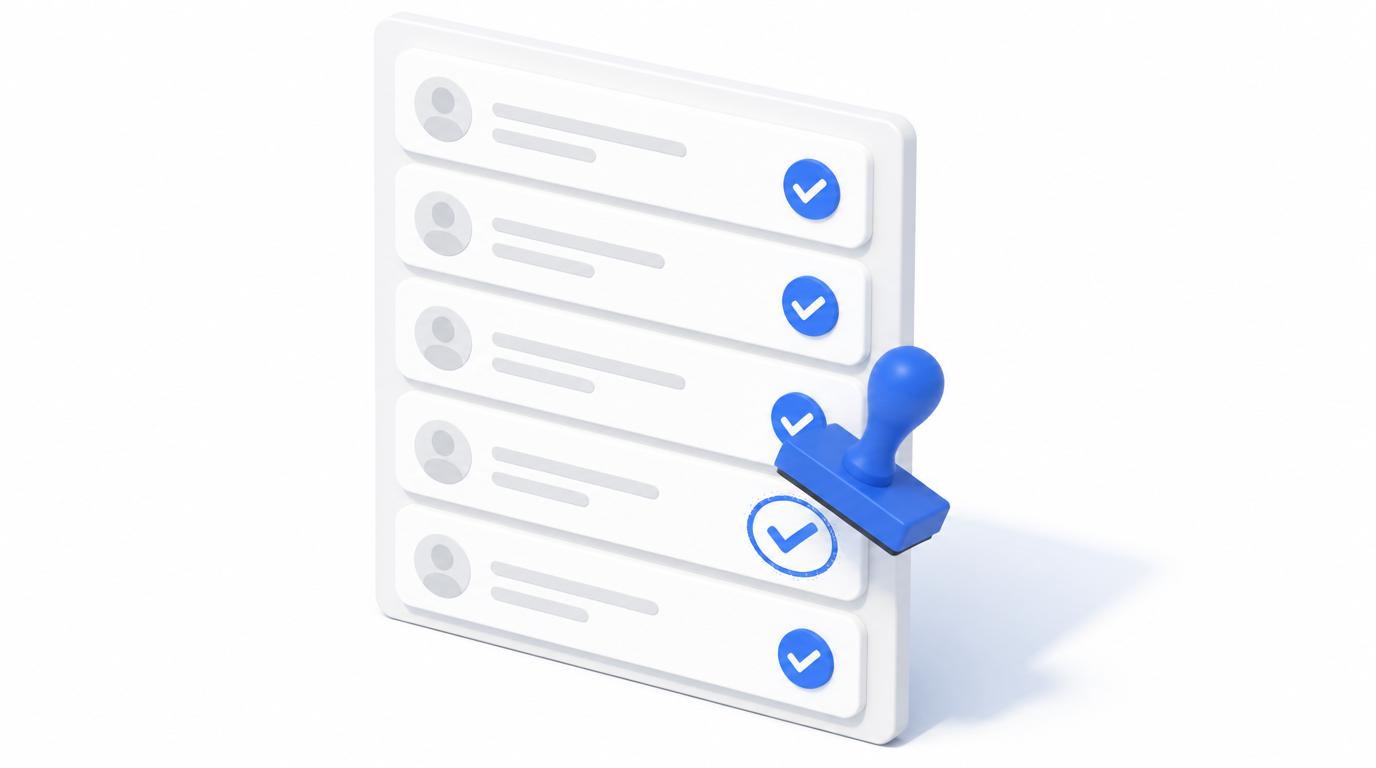
A free Freedom UI component that brings every approval related to a record into one configurable list — so users see who still needs to sign off without opening each record or digging through history.
Install on Creatio Marketplace · Book a demo · Setup guide
| Platform | Creatio Freedom UI |
| Compatibility | Creatio 8.3.0 and up |
| Deployment | Cloud and on-site |
| Current version | 1.0.0 (July 2026) |
| Price | Free |
| Developer | SYNTECH, official Creatio partner |
What is Syntech Approval List?
Approvals in Creatio are spread across records. When a contract, invoice or request needs several visas, users have to open records one by one to find out who is blocking progress. Syntech Approval List shows approver, status, date and comment for every visa in one list — for a single record or across a whole section.
Key features
Every visa in one list
Approver, status, date and comment per approval. Set a status inline — owner, date and author are stamped automatically.
Record page or section page
On a record page it shows that record's approvals; on a section page it shows approvals across records with a multi-select record filter.
Filters and columns
Filter by record, status or approver, drag to reorder and resize columns, pull extra columns from the parent record and open the source record in one click.
No-code setup
Choose the object and settings in a native Freedom UI Designer properties panel.
Use cases
| Team | Scenario | What they gain |
|---|---|---|
| Legal / finance | Contract and invoice approvals | See blockers instantly |
| Procurement | Purchase request visas | Faster approval cycles |
| Management | Approvals across a section | One overview instead of many records |
How to set it up
- Install the free app from Creatio Marketplace.
- Drop the component on a record or section page.
- Select the object whose approvals are shown.
- Choose columns and filters in the settings menu.
Step-by-step instructions: Syntech Approval List setup guide.
Frequently asked questions
Is it really free? Yes. Syntech Approval List is free on Creatio Marketplace.
Can approvers change the status from the list? Yes. Status can be set inline; owner, date and author are recorded automatically.
Which Creatio versions does Syntech Approval List support? Creatio 8.3.0 and up.
Is it available for cloud and on-site Creatio? Yes. It supports both cloud and on-site deployments.
How much does Syntech Approval List cost? It is free.
Who provides support? SYNTECH, the developer of the app and an official Creatio partner. Contact support@syntech.digital.
Related
- Solution: Creatio UI & productivity
- Academy: Approval List guide
- Article: All approvals in one list
Want to see it on your data? Book a 30-minute demo or open it on Creatio Marketplace.
Ready to Start?
Get this solution today and improve your business efficiency