
 Production
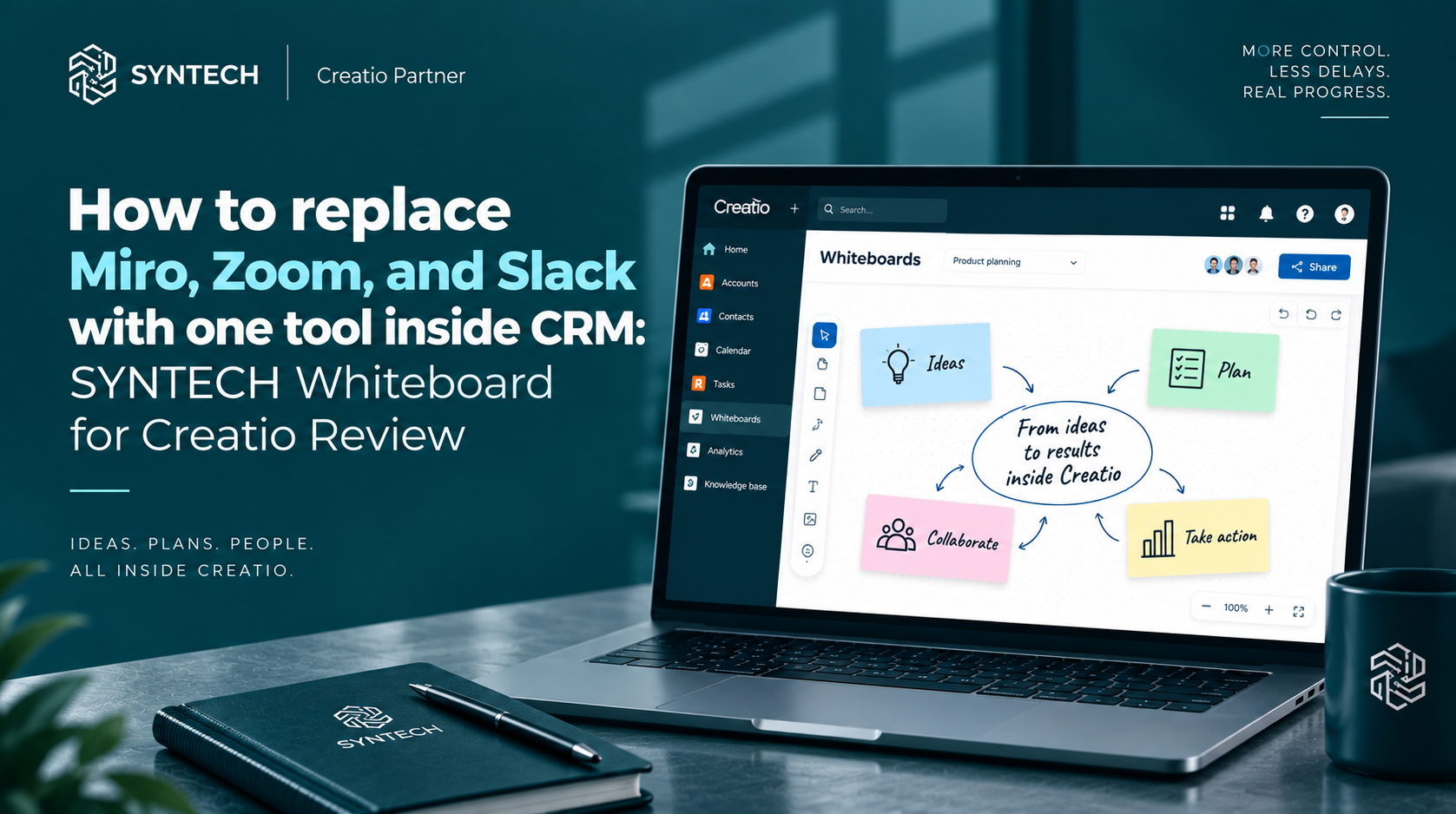
How to replace Miro, Zoom, and Slack with one tool inside CRM: SYNTECH Whiteboard for Creatio Review
Modern teams spend a significant amount of their working time not on solving business problems, but on switching between dozens of different applications. Brainstorming boards in Miro, discussions in Slack, video calls in Zoom, plans in the form of diagrams – as a result, context is lost, and important data is scattered across various services.
Creatio UI & productivity
Ready UI components instead of building from scratch: maps, pivots, diagrams, whiteboard.
For companies working on the Creatio platform, there is an effective solution to this problem – SYNTECH Whiteboard. This is a complete visual workspace, integrated directly into your CRM.
We explain how one tool allows you to abandon half of your IT stack and combine visual planning, artificial intelligence, and live communication in a single system.
1. Visual planning and business process modeling
Instead of exporting diagrams from third-party services or transferring screenshots to CRM, SYNTECH Whiteboard allows you to design and analyze processes natively in Creatio.
Single project management center: A convenient panel for storing all boards with a folder structure, tags, and quick search. Switch between projects with one click.
BPMN 2.0 standard modeling: Build complex workflows using drag-and-drop and verify their validity before official launch.
Gantt chart planning: Visualize tasks, deadlines, and dependencies. The system automatically highlights the critical path, and deadlines are adjusted by simple dragging.
Ready-made industry templates: Launch new projects in minutes using a library of templates for Kanban boards, flowcharts, and mind maps.
2. Smart AI Assistant: from prompt to diagrams in seconds
Artificial intelligence in SYNTECH Whiteboard is not just a standard chatbot, but an intelligent assistant that takes into account the context of your boards, notes, and tasks in Creatio.
Generation from text: Create any board elements – from stickers and diagrams to complex BPMN schemes and timelines – using simple text prompts.
Automatic structuring: AI helps summarize meeting results, structure chaotic ideas after brainstorms, and form sprint plans without wasting time on manual routine.
3. Seamless communication and live meetings without leaving CRM
The main advantage of SYNTECH Whiteboard is the absence of the need to switch to third-party messengers or video communication services when discussing projects.
Built-in HD video calls and chat: Conduct meetings and discuss tasks directly on the board. All accepted decisions, threads, and reactions are recorded in the context of specific elements.
Voice notes: Record audio messages directly on the board to provide detailed context to colleagues without additional calls.
Real-time collaboration: Track live cursors of colleagues and observe their actions live. The instant autosave function guarantees reliable data protection for distributed teams.
4. Why businesses choose SYNTECH Whiteboard
100% native in Creatio: The tool works within your existing Creatio environment, automatically inheriting SSO settings, corporate roles, and access rights.
Zero context switching: All information, discussion history, and business logic are in one working window.
Fixed and transparent pricing: The product costs $6,000 / year fixed for the entire organization. You get unlimited users and boards without hidden fees, upgrades, or overpaying for each individual workstation.
Implement visual collaboration in your CRM
Replace a disconnected stack of programs with a single connected workspace and accelerate your team's work today.
Book a 30-minute personal demo, and our experts will show you how visual boards, AI, and live collaboration work within your Creatio platform.
Next step
Compare with building from scratch
15–30 minutes, no slide decks: we show the solution on your data and tell you if it fits.