
Excel Export Logger for Creatio
Gallery
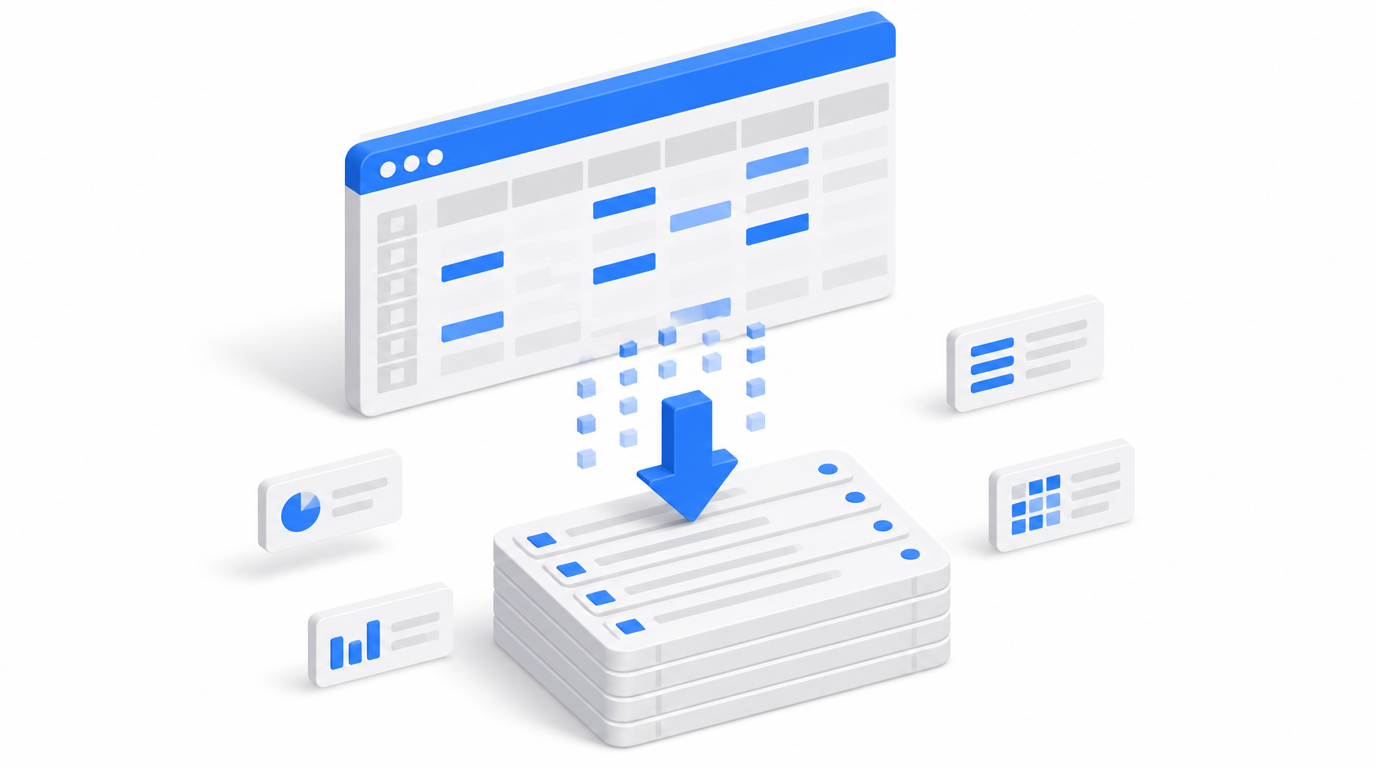
A free add-on for administrators and security teams: every “Export to Excel” in Creatio is recorded in the Audit Log, with access to exported files and a usage report.
Install on Creatio Marketplace · Book a demo
| Platform | Creatio Classic UI |
| Compatibility | Creatio 7.13.4 and up |
| Deployment | Cloud and on-site |
| Price | Free |
| Developer | SYNTECH, official Creatio partner |
What is Excel export logger?
Exporting customer lists to Excel is one of the easiest ways for data to leave a company. Standard audit logs do not show who exported what. Excel export logger extends the Creatio Audit Log with export events from all sections, so administrators can monitor and investigate data exports.
Key features
Export events in the Audit Log
Every “Export to Excel” from any section is logged.
Download exported files
Administrators can download the files users exported.
Usage report
Download a report on export usage.
Use cases
| Team | Scenario | What they gain |
|---|---|---|
| Security officers | Data leak prevention | Visibility of mass exports |
| System administrators | Usage monitoring | Evidence for investigations |
How to set it up
- Install the free app from Creatio Marketplace.
- Export events start appearing in the Audit Log.
- Review events and download reports as needed.
Frequently asked questions
Does it block exports? No. It logs export events and provides files and reports; access rights to export are managed in Creatio.
Does it work in Freedom UI? The Marketplace listing specifies Classic UI.
Which Creatio versions does Excel export logger support? Creatio 7.13.4 and up (Classic UI).
Is it available for cloud and on-site Creatio? Yes. It supports both cloud and on-site deployments.
How much does Excel export logger cost? It is free.
Who provides support? SYNTECH, the developer of the app and an official Creatio partner. Contact support@syntech.digital.
Related
- Contact: Book a consultation for Creatio security and access rights setup
Want to see it on your data? Book a 30-minute demo or open it on Creatio Marketplace.
Ready to Start?
Get this solution today and improve your business efficiency