
Bank Statement Import for Creatio
Gallery
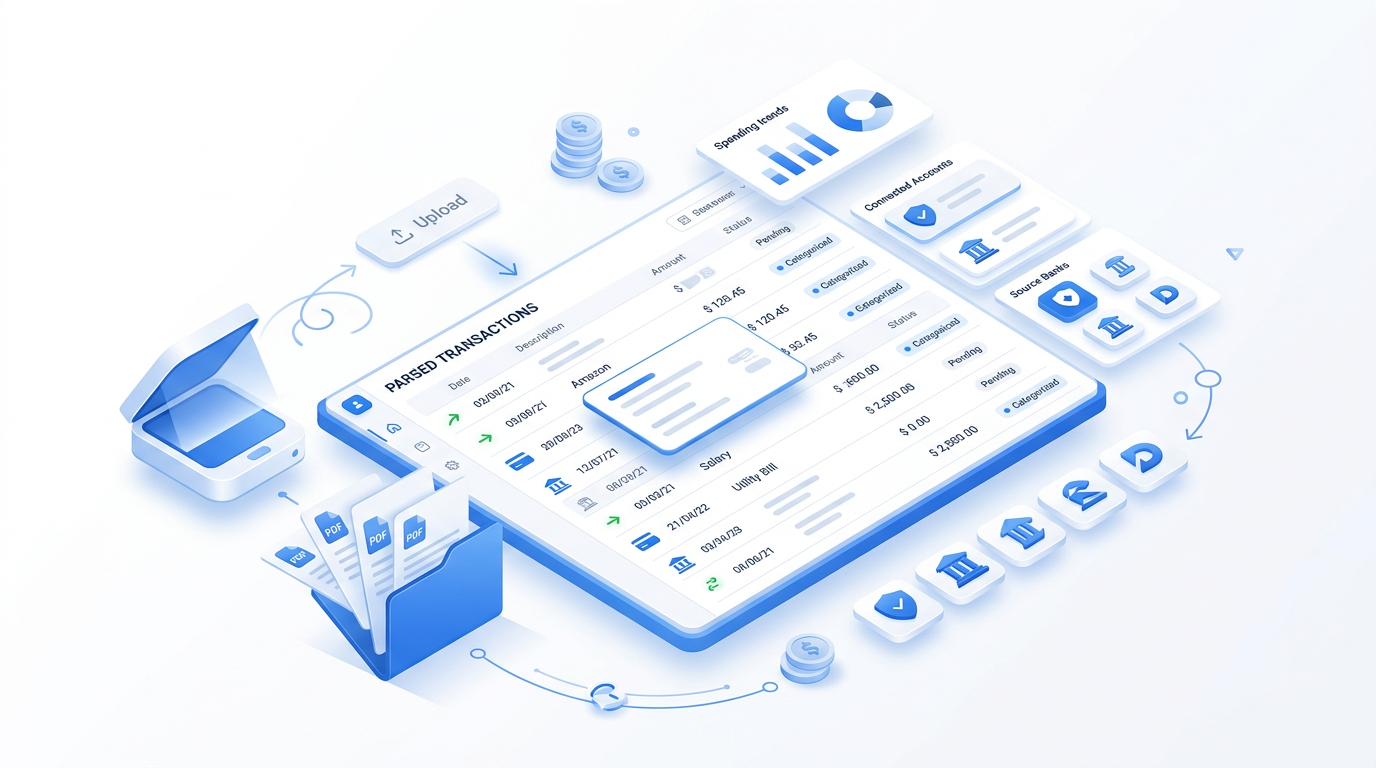
Import statements of business accounts from PrivatBank, Monobank and FUIB into Creatio, recognize incoming payments and mark invoices as paid automatically.
Get it on Creatio Marketplace · Book a demo
| Platform | Creatio Classic UI and Freedom UI |
| Compatibility | Creatio 8.1.0 and up |
| Deployment | Cloud and on-site |
| Current version | 2.3.1 (May 2026) |
| Banks | PrivatBank, Monobank, FUIB |
| Price | $600 per year (billed annually) |
| Trial | Available on Creatio Marketplace |
| Developer | SYNTECH, official Creatio partner |
What is Syntech Bank Statement Import?
Matching bank payments to invoices by hand is slow and error-prone, and sales managers rarely know whether a client has paid. The app loads statements directly from Ukrainian banks into Creatio, recognizes which invoice a payment belongs to and updates its status, so finance and sales see the same picture.
Key features
Statements from three banks
Business account statements from PrivatBank, Monobank and FUIB.
Unlimited legal entities
Add any number of legal entities and accounts.
Payment recognition
Identify the account and invoice a payment relates to and set the invoice status to Paid.
Full and partial payments
One invoice can be paid by one or several incoming transactions.
Notifications
Unrecognized payments are reported in the communication panel.
Use cases
| Team | Scenario | What they gain |
|---|---|---|
| Finance | Daily payment reconciliation | Hours of manual work saved |
| Sales | Payment status on deals | Shipment and follow-up without asking finance |
How to set it up
- Get an API token from PrivatBank and Monobank business accounts, and authorization data from your FUIB account manager.
- Install the app from Creatio Marketplace.
- Add legal entities and accounts.
- Schedule statement import and check recognition rules.
Frequently asked questions
Which banks are supported? PrivatBank, Monobank and FUIB.
What credentials are required? API tokens from PrivatBank and Monobank business accounts and authorization data from FUIB.
Does it support partial payments? Yes. An invoice can be paid fully or partially by one or more transactions.
Which Creatio versions does Syntech Bank Statement Import support? Creatio 8.1.0 and up, Classic UI and Freedom UI.
Is it available for cloud and on-site Creatio? Yes. It supports both cloud and on-site deployments.
How much does Syntech Bank Statement Import cost? $50 per month, billed annually ($600 per year).
Is there a free trial? Yes, a trial is available through Creatio Marketplace.
Who provides support? SYNTECH, the developer of the app and an official Creatio partner. Contact support@syntech.digital.
Related
- Solution: Finance for Creatio
- Works well with: Financial Management for Creatio
Want to see it on your data? Book a 30-minute demo or open it on Creatio Marketplace.
Ready to Start?
Get this solution today and improve your business efficiency